Software
Software developers and data engineers must handle date and time values consistently across systems. These seven recognized formats ensure compatibility, readability, and proper parsing in applications, databases, and APIs worldwide.
ISO 8601 Standard Date Format
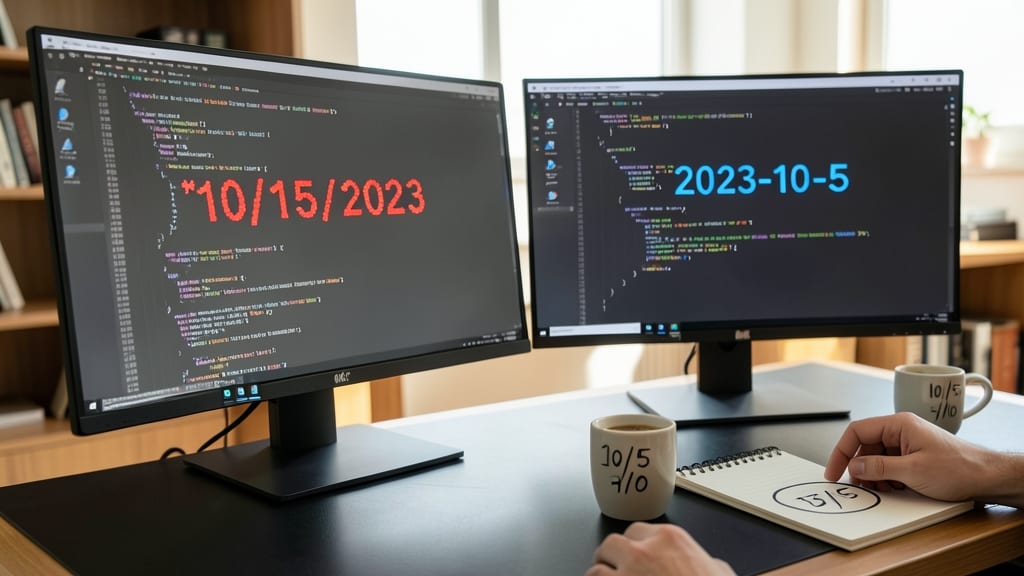
Tired of debugging date parsing errors that vanish when you switch regions? The ISO 8601 standard solves this by enforcing a universal format—YYYY-MM-DD—that works the same way everywhere, from Python to PostgreSQL. Unlike ambiguous formats like "10/15/2023" (which could mean October 15th or the 15th of October), ISO 8601 eliminates guesswork with its strict YYYY-MM-DD structure, optionally extended to YYYY-MM-DDTHH:MM:SSZ for timestamps.
This format is the backbone of modern APIs, databases, and programming languages. Python’s datetime.isoformat(), JavaScript’s toISOString(), and SQL databases all natively support it. Even Excel and Google Sheets can parse ISO 8601 dates without extra configuration. The Z suffix (for UTC) ensures timezone clarity, while the T separator distinguishes dates from times—critical for systems handling both.
Perfect for developers building cross-platform applications, APIs, or data pipelines where consistency matters most. It’s the safest choice for machine-readable dates that humans can also understand at a glance. ✨
RFC 2822 Email Date Format

If you’ve ever debugged an email header or built an API that interfaces with legacy systems, you’ve likely encountered the RFC 2822 date format—the unsung hero of email timestamps. Unlike ISO 8601’s strict machine readability, RFC 2822 balances human readability with precise parsing, making it the default for email protocols like SMTP and IMAP. Its structure—“Sun, 15 Oct 2023 08:45:30 -0700”—includes day abbreviations, timezone offsets, and a clear hierarchy that tools like Python’s email.utils or Java’s SimpleDateFormat handle effortlessly.
This format’s strength lies in its three-key components: the day abbreviation (e.g., “Sun”), timezone offset (e.g., “-0700”), and structured parsing rules that prevent ambiguity. It’s not just for emails—modern APIs and logging systems often adopt it to ensure backward compatibility with older systems while maintaining readability. For example, parsing “Wed, 01 Nov 2023 14:30:00 +0000” in a script is straightforward with libraries like dateutil.parser, which natively supports RFC 2822.
System administrators and backend developers working with email servers, legacy APIs, or hybrid environments will find RFC 2822 indispensable for its reliability in cross-platform workflows. 💻
Unix Timestamp Format
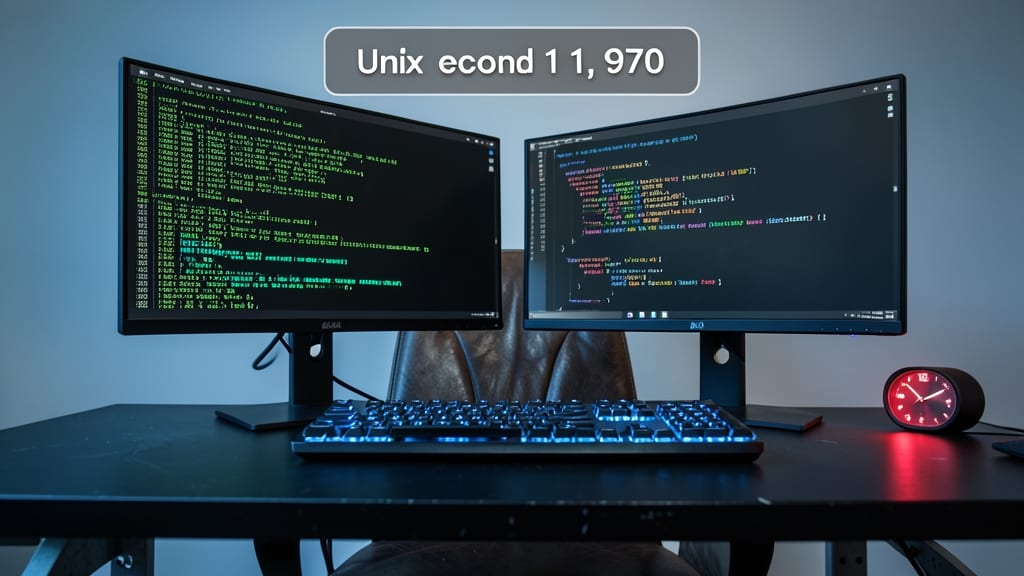
When you’re debugging system logs or writing scripts that need to track time differences with millisecond precision, Unix timestamps are the unsung heroes of backend operations. Representing time as the number of seconds since January 1, 1970 (the Unix epoch), this format eliminates ambiguity and simplifies calculations—perfect for cron jobs, log analysis, and database indexing.
At its core, a Unix timestamp is a 32-bit or 64-bit integer (e.g., 1697456730 for October 15, 2023), making it lightweight for storage and fast for comparisons. Most programming languages—like Python (time.time()), JavaScript (Date.now()), and Bash (date +%s)—support it natively. For databases, it’s the go-to choice for sorting events chronologically or calculating time-based metrics without timezone headaches.
Developers working with Linux servers, log files, or real-time systems will find Unix timestamps indispensable for their reliability and performance. ⚡
SQL Date and Time Formats
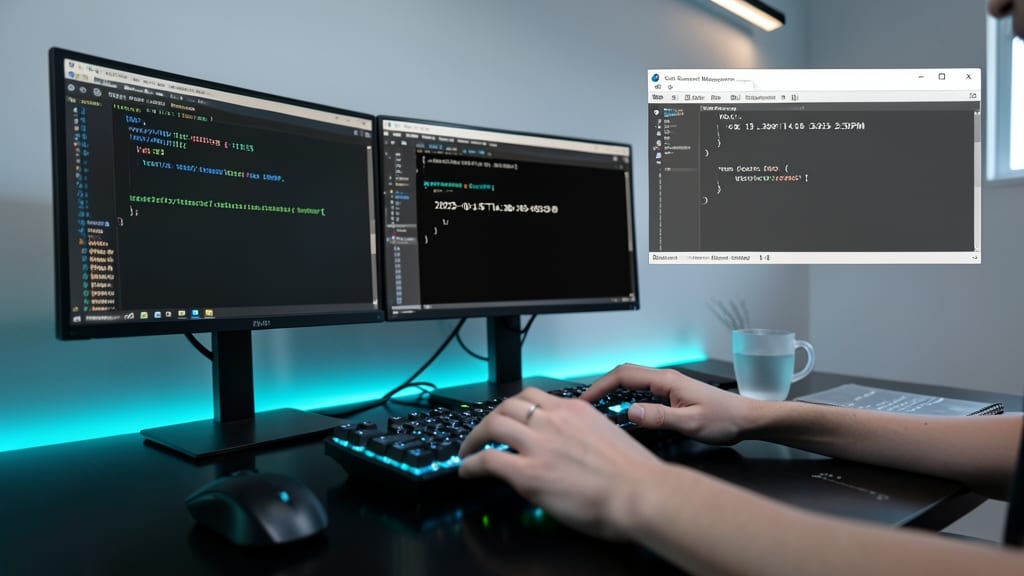
When writing SQL queries, the format you use for dates and times can make or break compatibility across databases. Unlike universal standards, SQL databases each have their own quirks—MySQL uses 'YYYY-MM-DD HH:MI:SS', PostgreSQL supports ISO 8601 with timezone extensions, and SQL Server defaults to 'YYYY-MM-DD HH:MI:SS.mmm' for milliseconds.
These differences force developers to use database-specific functions like TOCHAR() (Oracle/PostgreSQL) or CONVERT() (SQL Server) to ensure queries work everywhere. For example, inserting a timestamp in MySQL might look like INSERT INTO logs (eventtime) VALUES ('2023-10-15 14:30:00'), while PostgreSQL could use TO_TIMESTAMP('2023-10-15 14:30:00', 'YYYY-MM-DD HH24:MI:SS') for stricter validation.
This format mastery is essential for backend developers, data analysts, and DevOps engineers managing multi-database systems. ⚡
JavaScript Date Object Format
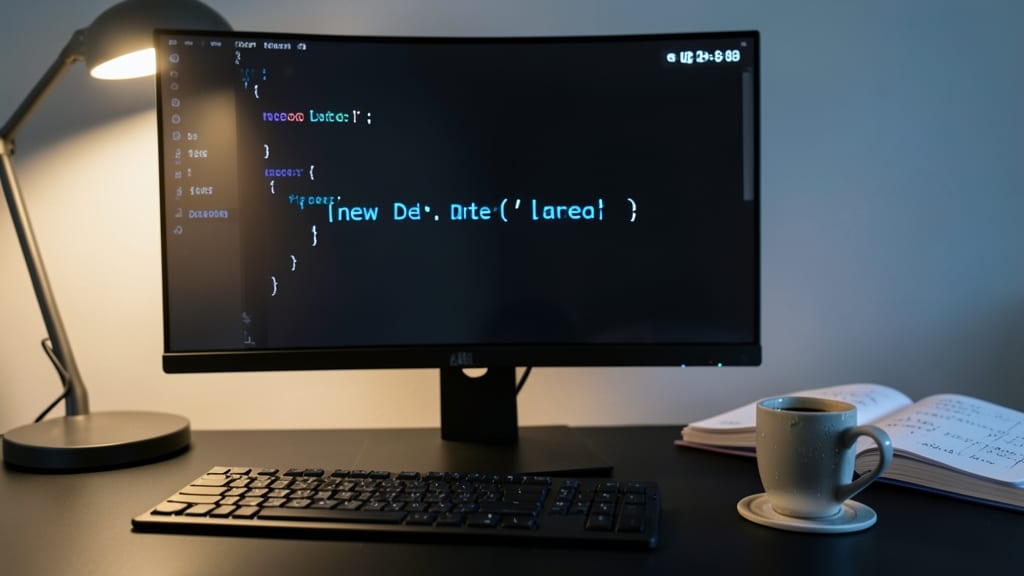
If you're building web applications where time zones matter, the JavaScript Date Object format is your go-to solution. Unlike other formats, it natively handles timezone conversions with minimal effort—just create a new Date() object, and JavaScript automatically syncs with the system's local time or UTC.
The default output ('Mon Oct 15 2023 08:45:30 GMT-0700') includes the timezone offset, making it ideal for cross-platform consistency in browsers and Node.js. Methods like toISOString() or toLocaleString() let you switch between formats effortlessly, while built-in timezone handling avoids common pitfalls like daylight saving time mismatches.
Perfect for front-end developers and full-stack engineers working with real-time data, APIs, or user-facing calendars. ⚡
Excel Date Number Format
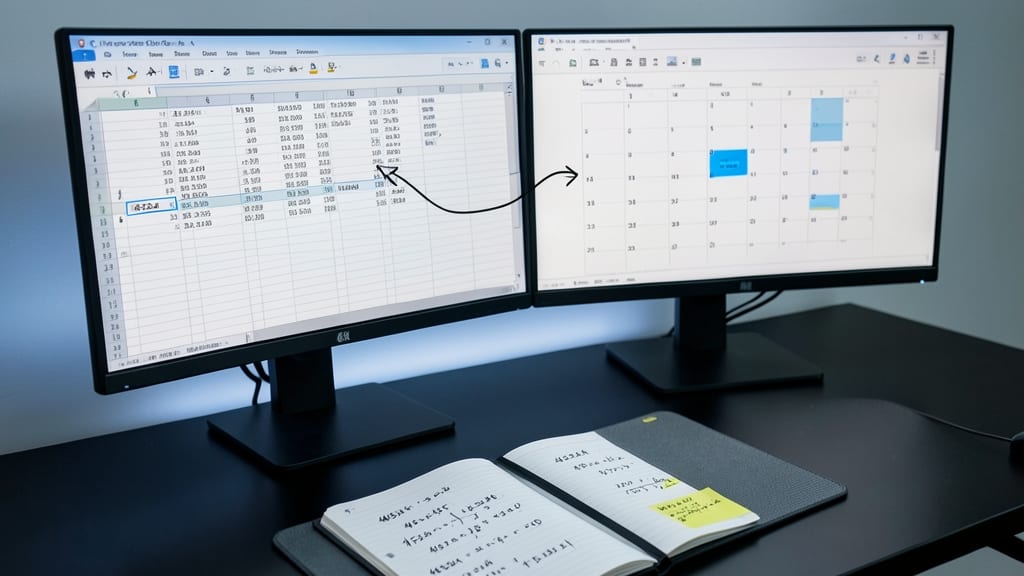
Ever noticed how Excel treats dates as numbers behind the scenes? That’s not a bug—it’s a powerful feature that lets you perform calculations on dates like they’re any other value. For example, 45234 isn’t just a number; it’s October 15, 2023, because Excel stores dates as serial numbers starting from January 1, 1900.
This system enables unique tricks, like calculating the difference between two dates (e.g., =DATEDIF()) or formatting output as "MM/DD/YYYY" while keeping the raw data as a serial number. The custom format tool lets you display dates in 19 different ways—from "Jan 15, 2023" to "Friday"—without altering the underlying value. This dual-layer approach is critical for financial models, project timelines, and data analysis.
Accountants, data analysts, and automation specialists rely on this format to ensure consistency across spreadsheets. Whether you're building a budget tracker or a project timeline, understanding Excel’s date system unlocks precision and flexibility. ✨
Human-Readable Localized Formats

When your app serves users in Europe, Asia, or the Americas, forcing a single date format (like YYYY-MM-DD) can frustrate them—or worse, confuse your backend. Localized formats (e.g., 15/10/2023 for EU or Oct 15, 2023 for US) make interfaces intuitive but demand careful parsing to avoid errors.
These formats rely on user locale settings (e.g., en-US, fr-FR) to display dates naturally, but they’re trickier to parse than ISO 8601. For example, DD/MM/YYYY vs. MM/DD/YYYY can cause ambiguity unless you validate input or use libraries like Intl.DateTimeFormat. Time formats (12-hour vs. 24-hour) add another layer of complexity.
Perfect for global web apps, CRM systems, or multilingual dashboards where user experience trumps machine efficiency. Just remember: always sanitize input to prevent "2023-10-15" from becoming October 15th in some regions—or May 20th in others! ✨