Skip to content
Database Basics

Database Basics

  • All Articles
  • App
  • C++
  • Coding
  • More
    • Excel
    • Hardware
    • Microsoft Office
    • Operating System
    • Outlook
    • PowerPoint
    • Review
    • Software
    • Tip & Trick
    • Troubleshooting
    • Windows

PowerPoint

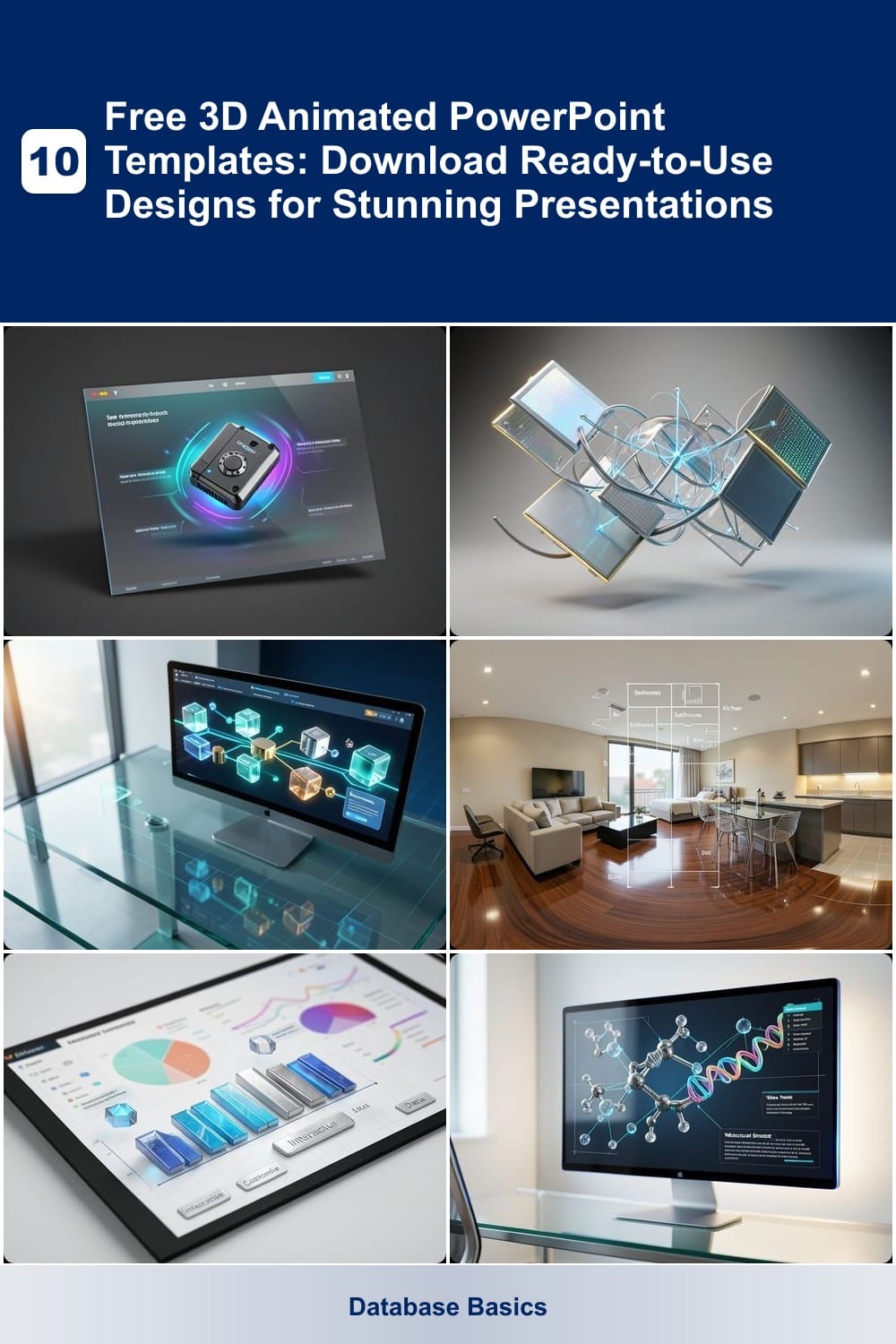
10 Free 3D Animated PowerPoint Templates: Download Ready-to-Use Designs for Stunning Presentations
October 12, 2026 by Nina Yoder
10 Free 3D Animated PowerPoint Templates: Download Ready-to-Use Designs for Stunning Presentations

Elevate your presentations with these 10 free 3D animated PowerPoint templates, designed to captivate audiences and simplify complex ideas. No design skills required—just download, customize, and present with…
Read more

Categories PowerPoint

Can You Share a Powerpoint for Editing: Free Templates for Instant Customization

November 23, 2026 by Nina Yoder
Can You Share a Powerpoint for Editing: Free Templates for Instant Customization

💥 Quick Answer Sharing a PowerPoint for editing is possible via cloud services like OneDrive, Google Drive, or Microsoft SharePoint, which allow real-time collaboration with permissions set to 'edit.' Alternatively…

Read more

Categories PowerPoint

Can You Work on PowerPoint at the Same Time: Real-Time Collaboration Limits Explained

November 21, 2026 by Nina Yoder
Can You Work on PowerPoint at the Same Time: Real-Time Collaboration Limits Explained

💥 Quick Answer Working on PowerPoint at the same time with others is possible through real-time collaboration features in PowerPoint Online, PowerPoint for the web, and Microsoft Teams, but limitations exist based on…

Read more

Categories PowerPoint

How to Add 3d Models in Powerpoint: Embed Interactive Visuals in Seconds

October 20, 2026 by Nina Yoder
How to Add 3d Models in Powerpoint: Embed Interactive Visuals in Seconds

Adding 3D models to PowerPoint transforms your presentations from flat to dynamic in seconds. ✨ I remember the first time I saw a 3D model spin inside a slide—it changed how I thought about visual storytelling forever…

Read more

Categories PowerPoint

How to Add Annotations in Powerpoint: Step-by-Step Guide for Clear Visual Notes

November 17, 2026 by Nina Yoder
How to Add Annotations in Powerpoint: Step-by-Step Guide for Clear Visual Notes

Adding annotations in PowerPoint transforms your slides from static to dynamic—my first slide show in Dad’s Pittsburgh scrap-yard workshop used handwritten notes that kept falling off. ✨ Today’s tools let you add precise…

Read more

Categories PowerPoint

How to Add Columns in PowerPoint: Visual Guide for Perfect Alignment

November 23, 2026 by Nina Yoder
How to Add Columns in PowerPoint: Visual Guide for Perfect Alignment

Adding columns in PowerPoint isn’t just possible—it’s the secret to perfectly aligned slides that look professional without the headache. ✨ I’ve seen too many presentations with wonky tables or misaligned text boxes, and…

Read more

Categories PowerPoint

How to Add a Draft Watermark in PowerPoint: Instant Professional Branding in Seconds

October 8, 2026 by Nina Yoder
How to Add a Draft Watermark in PowerPoint: Instant Professional Branding in Seconds

To add a draft watermark in PowerPoint, you don’t need to be a designer—just a few clicks. ✨ I’ve used this trick for client presentations where early drafts needed clear labeling without ruining the design, and it works…

Read more

Categories PowerPoint

How to Add Voiceover to PowerPoint on iPad: Seamless Narration in Minutes

October 10, 2026 by Nina Yoder
How to Add Voiceover to PowerPoint on iPad: Seamless Narration in Minutes

Adding voiceover to PowerPoint on your iPad turns slides into a polished presentation in minutes—no desktop needed. ✨ I’ve recorded dozens of presentations this way, and the process is shockingly straightforward once you…

Read more

Categories PowerPoint

How to Align Objects in Powerpoint: Precision Techniques for Perfect Slides

November 18, 2026 by Nina Yoder
How to Align Objects in Powerpoint: Precision Techniques for Perfect Slides

Aligning objects in PowerPoint can turn messy slides into polished presentations with just a few clicks. ⚡ I’ve spent years fixing misaligned charts and diagrams—here’s how to nail it every time, whether you’re using…

Read more

Categories PowerPoint

How to Change Border Colors in PowerPoint Tables: Visual Guide for Instant Customization

November 23, 2026 by Nina Yoder
How to Change Border Colors in PowerPoint Tables: Visual Guide for Instant Customization

To change border colors in PowerPoint tables, you're just one click away from transforming dull grids into polished visuals that make your data pop. 💡 I remember spending hours in college adjusting table borders…

Read more

Categories PowerPoint
Page1Page2Page3…Page5Next →

About Me

Nina Yoder

Nina Yoder
My first computer was a clunky desktop my dad brought home from work in the mid-'90s, its screen flickering with every keystroke. That machine taught me patience—waiting for dial-up to connect, watching Windows 95 load with the sound of a floppy disk spinning. Now, I run this site to share the kind of no-nonsense tech advice I wish I’d had back then: clear, practical, and free of jargon. Whether it’s troubleshooting a stubborn PC or mastering a new tool, I’m here to help you get the most out of your tech without the frustration.

Learn more

Recent Posts

  • How to Download an Article From a Website: Browser Shortcut for Instant Saves
    How to Download an Article From a Website: Browser Shortcut for Instant Saves
  • This File Couldn't Be Downloaded: Bypass 404 Errors With These 3 Direct Fixes
    This File Couldn't Be Downloaded: Bypass 404 Errors With These 3 Direct Fixes
  • Learn to Use Microsoft Word: Download and Master Key Features in Minutes
    Learn to Use Microsoft Word: Download and Master Key Features in Minutes
  • How to Download a Video From SharePoint: Three-Click Process Without Losing Quality
    How to Download a Video From SharePoint: Three-Click Process Without Losing Quality
  • Something Went Wrong and Outlook Couldn't Set up Account: Step-by-Step Recovery Guide
    Something Went Wrong and Outlook Couldn't Set up Account: Step-by-Step Recovery Guide
  • All Guides
  • About
  • Contact
  • Privacy Policy
  • Cookie Policy
  • Terms of Use
© 2026 databasebasics.website