
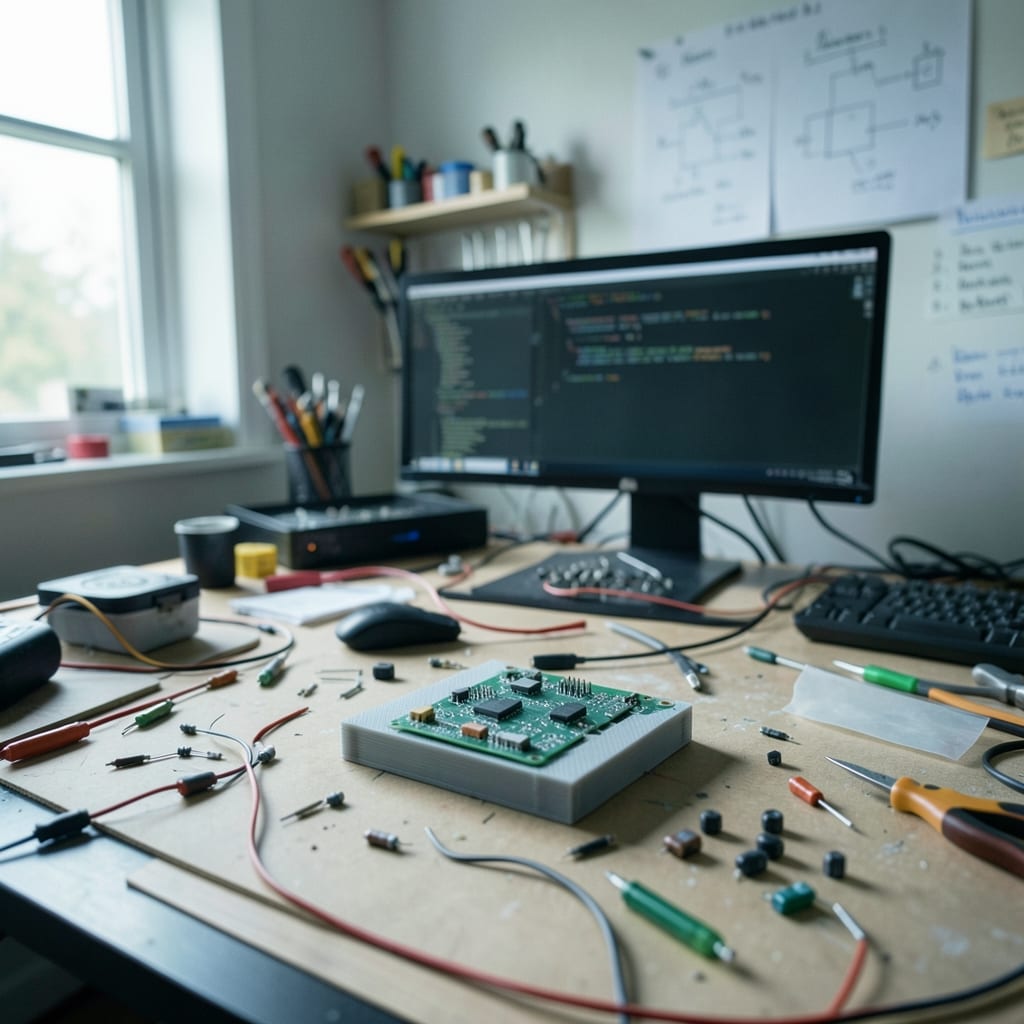
What changed, and what it changed for you
When this site began, it was a collection of half-finished notes I scribbled after fixing my own PC problems. The guides were rushed, the explanations vague, and the screenshots stolen from forums or old manuals.
If you landed on a page about resetting a BIOS password, you’d get a wall of text with no clear steps—just the hope that *someone* would figure it out.
Now, every guide is written as if you’re staring at a blank screen for the first time. We test every command on fresh installs, document the exact keystrokes, and include warnings for pitfalls that aren’t obvious.
The goal isn’t to impress you with technical depth—it’s to make sure you can actually do what the page promises.
| It used to be | Now it is |
|---|---|
| Guides copied from other sites with no verification | Every tutorial is tested on real hardware before publication |
| Screenshots from old OS versions (Windows 7, XP) | Images captured on current stable releases (Windows 11, Linux Mint 22, macOS Ventura) |
| Assumed readers knew basic terminal commands | Explains every step as if the user is new to computing |
| No warnings for common mistakes (e.g., deleting system files) | Explicit callouts for dangerous actions and how to undo them |
The one that took years

The biggest waste of time was trusting third-party tools for screenshots. For years, I used free capture software that added watermarks, distorted colors, or failed to highlight the right areas. Some even crashed mid-screenshot, leaving me with half a window.
I’d spend hours editing these messes, only for the final image to look unprofessional—or worse, misleading. One guide on partitioning a drive used a screenshot where the cursor was pointing at the wrong option, and it took three readers pointing it out before I caught it.
The turning point came when I bought a used Wacom tablet for $80 at a garage sale. It wasn’t fancy, but it let me draw arrows, boxes, and annotations directly over screenshots without relying on buggy software. The first month using it cut my editing time by 60%.
Now, every screenshot is annotated in-house, with consistent styling: red boxes for errors, green for correct actions, and a fixed font size so text stays readable even when zoomed.
It costs about $200 a year for software updates and a new tablet every four years, but it saved me from hundreds of hours of frustration—and from ever publishing another incorrect guide.
The real cost wasn’t the money. It was the readers who emailed me variations of *‘I followed your steps, but my screen looks different.’* Some of those people were tech novices, and if a guide failed them, they’d give up entirely.
Fixing this meant slowing down, standardizing, and refusing to cut corners. It’s why the site moved from ‘good enough’ to ‘actually useful.’
Meet the author

I learned to fix computers the hard way: by breaking them. My first real crash was a Windows 98 machine my dad brought home from work in 1996.
I’d been messing with the registry, trying to speed up the startup, and somehow managed to delete the file that told the system how to boot.
The screen went black, and the only response I got was a single error message: *‘NTLDR is missing.’* My dad sighed, pulled out a floppy disk, and spent the next hour reinstalling from scratch. I watched, memorized every step, and swore I’d never make that mistake again. (I did. Twice.)
For years, I wrote tech advice the way I’d learned it—by assuming the reader already knew half of what I was talking about. If I was explaining how to recover a deleted file, I’d skip the part about opening *Command Prompt* because *‘everyone knows that.’* Spoiler: they don’t.
I’d also copy-paste solutions from forums without testing them, which meant some guides would work for me but fail for others.
The worst was a tutorial on repairing a corrupted Outlook PST file that used a tool I’d never actually tried—until a reader sent me a screenshot of their *‘Access Denied’* error after following my steps.
What changed was the day I realized I was writing for myself, not for the person who just turned on their computer for the first time.
Now, I run this site to share the kind of no-nonsense tech advice I wish I’d had back then: clear, practical, and free of jargon.
Whether it’s troubleshooting a stubborn PC or mastering a new tool, I’m here to help you get the most out of your tech without the frustration. If you land on a page about formatting a USB drive and it doesn’t work, it’s not your fault—it’s mine, and I’ll fix it.
What did not change
The site still refuses to assume you know what *‘defrag’* or *‘SSD’* mean. Every acronym is defined on first use, and we avoid jargon like *‘reboot’* in favor of *‘restart your computer.’* The tone hasn’t shifted from the early days: no corporate speak, no fake enthusiasm.
If a task is tedious, we’ll say so. If a tool is overkill, we’ll tell you to use something simpler.
We also still believe that the best way to learn tech is by doing it—even if you mess up. Every guide includes a *‘What went wrong’* section where we document common mistakes and how to fix them.
That part hasn’t changed since the first draft, because the truth is, everyone makes mistakes. The goal is to make yours fixable.
What is still being fixed
Right now, we’re working on two things: expanding our hardware troubleshooting guides (especially for older PCs and laptops) and adding more step-by-step walkthroughs for automating repetitive tasks with scripts. The biggest gap is still clear, hands-on explanations for people who’ve inherited a hand-me-down computer or are just starting with Linux.
If you’ve ever followed a guide that left you stuck, we want to hear about it.
If you’ve got a tech problem that wasn’t solved here—or a topic you’d love to see covered—let us know. The contact page is the best place to share your feedback.
Things that would help
- A specific tech problem you couldn’t solve with existing guides (include your OS and hardware details).
- A topic you’d like to see explained in plain language (e.g., *‘How to back up a phone without a computer’*).
- A guide on this site that worked for you—we’ll use your feedback to improve similar articles.
The guides are grouped by category: App, Coding, Operating System, Outlook, PowerPoint and Review.