Skip to content
Database Basics

Database Basics

  • All Articles
  • App
  • C++
  • Coding
  • More
    • Excel
    • Hardware
    • Microsoft Office
    • Operating System
    • Outlook
    • PowerPoint
    • Review
    • Software
    • Tip & Trick
    • Troubleshooting
    • Windows

PowerPoint — Page 4

How to Upload a PowerPoint to Flipgrid: Step-by-Step Visual Guide for Seamless Sharing
November 18, 2026 by Nina Yoder
How to Upload a PowerPoint to Flipgrid: Step-by-Step Visual Guide for Seamless Sharing

To upload a PowerPoint to Flipgrid, start by saving your presentation as a PPTX file —Flipgrid’s browser doesn’t play older formats. ⚡ I’ve helped educators and trainers share lessons this way for years, and the key is…

Read more

Categories PowerPoint

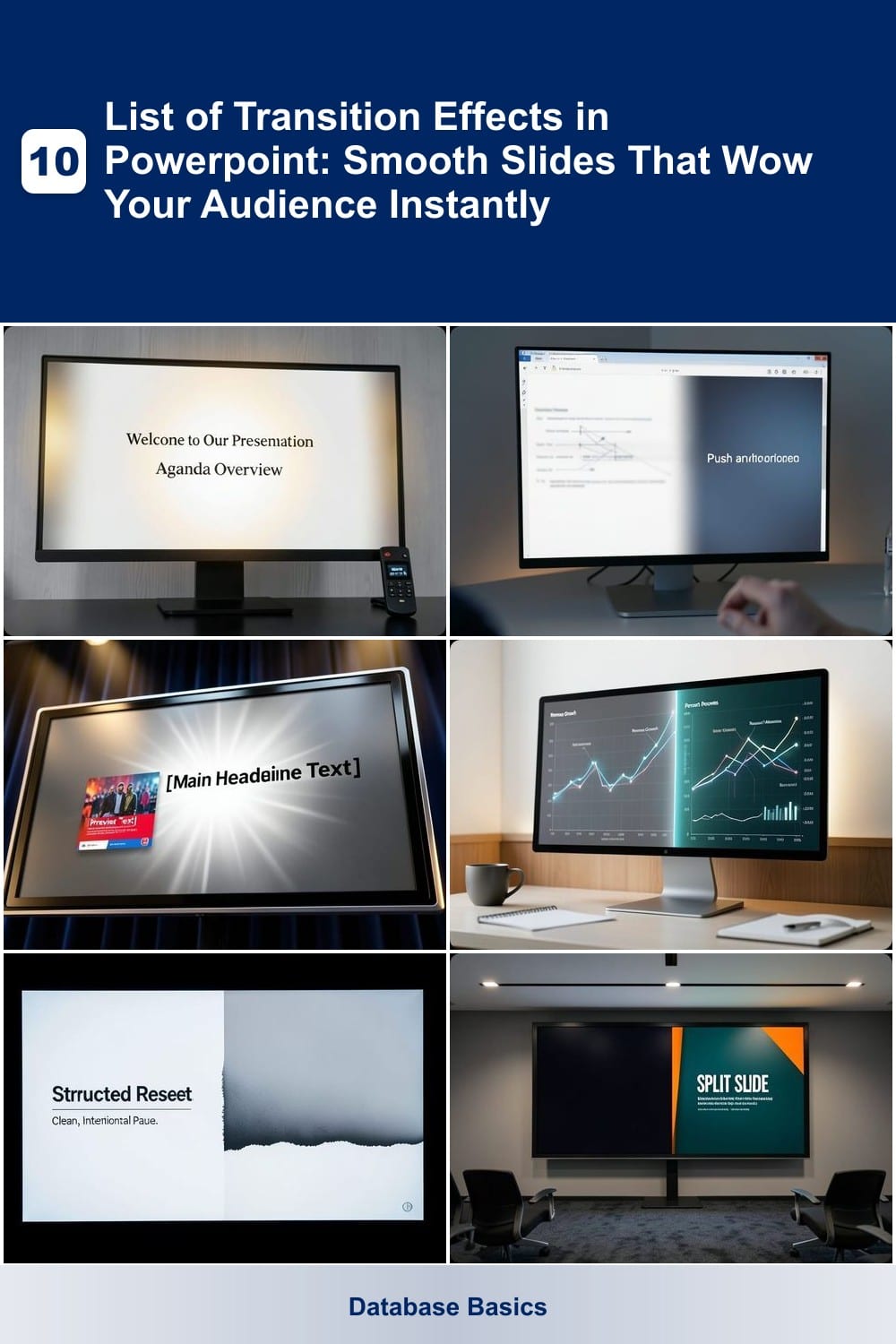
List of Transition Effects in Powerpoint: Smooth Slides That Wow Your Audience Instantly

October 25, 2026 by Nina Yoder
List of Transition Effects in Powerpoint: Smooth Slides That Wow Your Audience Instantly

Want to make your PowerPoint presentations more dynamic and professional? These seven transition effects will instantly elevate your slides, keeping your audience engaged and your message impactful without looking…

Read more

Categories PowerPoint

Microsoft Clip Art Images Free Download: 2024 Collection With No Watermarks

October 9, 2026 by Nina Yoder
Microsoft Clip Art Images Free Download: 2024 Collection With No Watermarks

Microsoft’s official clip art images are free to download directly from their trusted sources—no watermarks, no strings attached. If you’ve ever spent hours searching for the perfect graphic only to hit paywalls or shady…

Read more

Categories PowerPoint

Microsoft Office PowerPoint Viewer 2007: Free Download & Legacy Presentation Fixes

November 23, 2026 by Nina Yoder
Microsoft Office PowerPoint Viewer 2007: Free Download & Legacy Presentation Fixes

Microsoft Office PowerPoint Viewer 2007 lets you open legacy presentations without installing the full suite—ideal for older PPT files that newer versions can’t handle. Stuck with a 2007-era PowerPoint that crashes your…

Read more

Categories PowerPoint

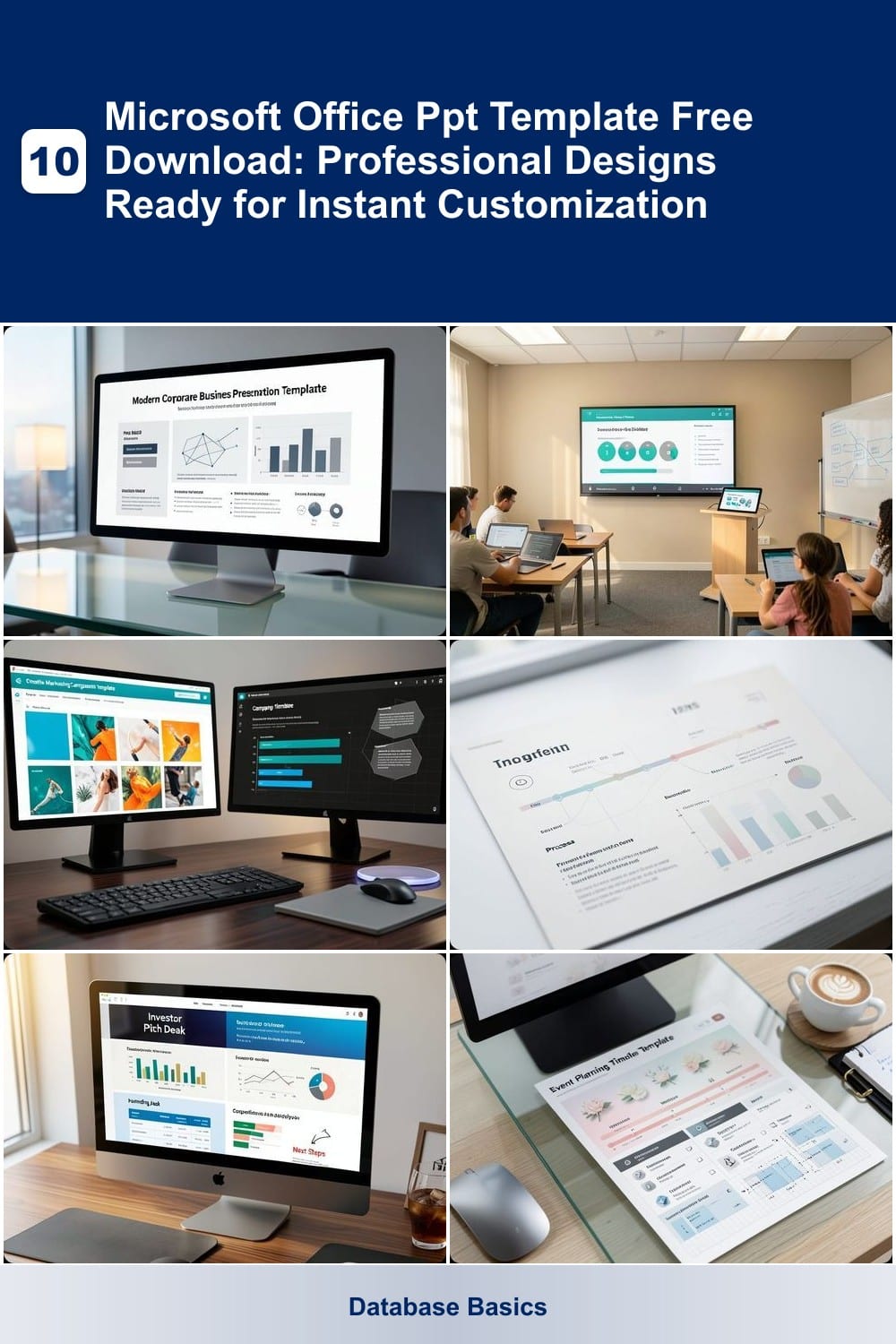
Microsoft Office Ppt Template Free Download: Professional Designs Ready for Instant Customization

October 10, 2026 by Nina Yoder
Microsoft Office Ppt Template Free Download: Professional Designs Ready for Instant Customization

Need professional PowerPoint templates that won’t cost you a dime? These seven free Microsoft Office-compatible designs cover everything from business presentations to creative projects, all ready for instant…

Read more

Categories PowerPoint

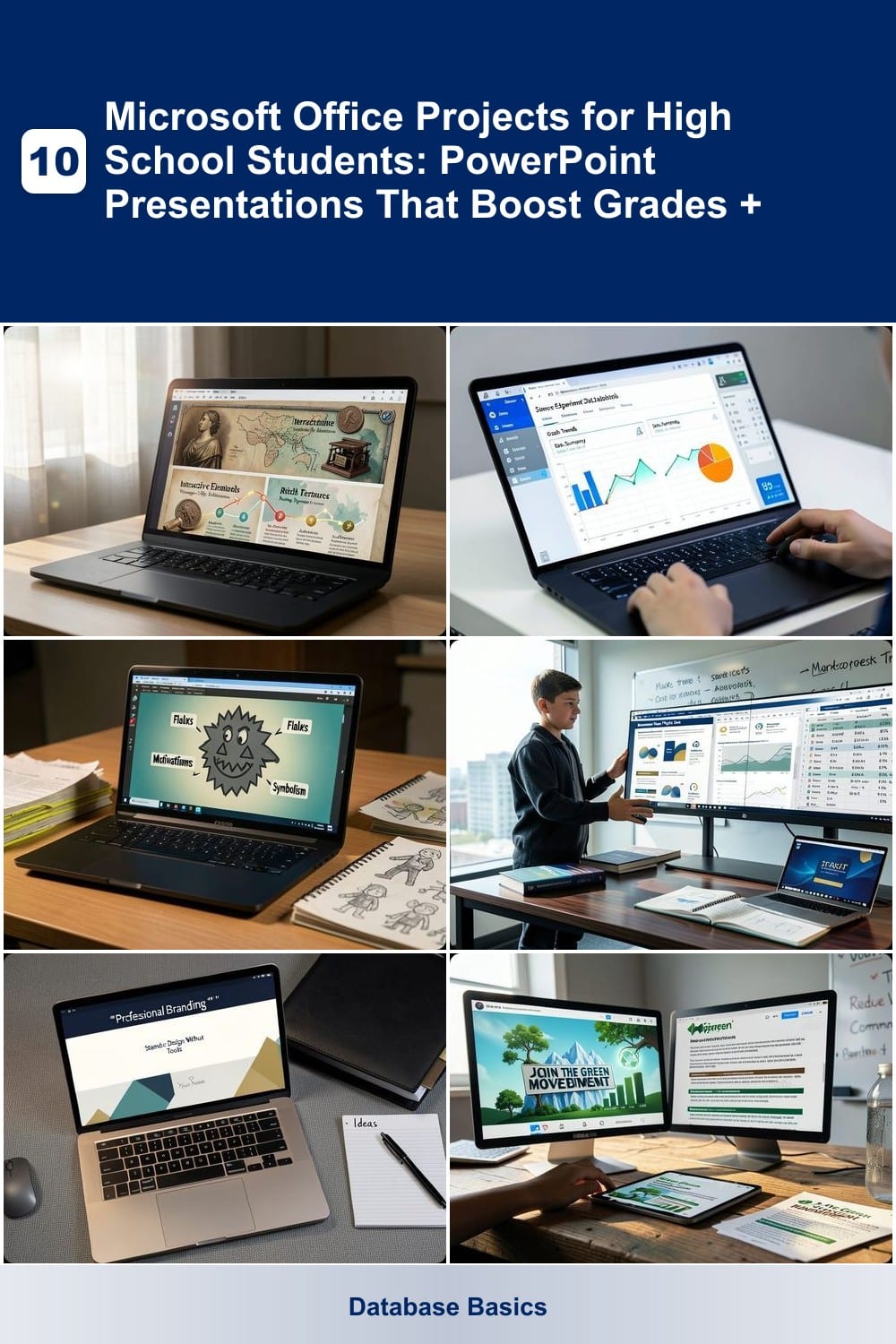
Microsoft Office Projects for High School Students: PowerPoint Presentations That Boost Grades & Creativity

October 25, 2026 by Nina Yoder
Microsoft Office Projects for High School Students: PowerPoint Presentations That Boost Grades & Creativity

High school students can transform boring assignments into engaging PowerPoint projects that impress teachers and boost creativity. These seven Microsoft Office projects leverage PowerPoint, Excel, and Word to create…

Read more

Categories PowerPoint

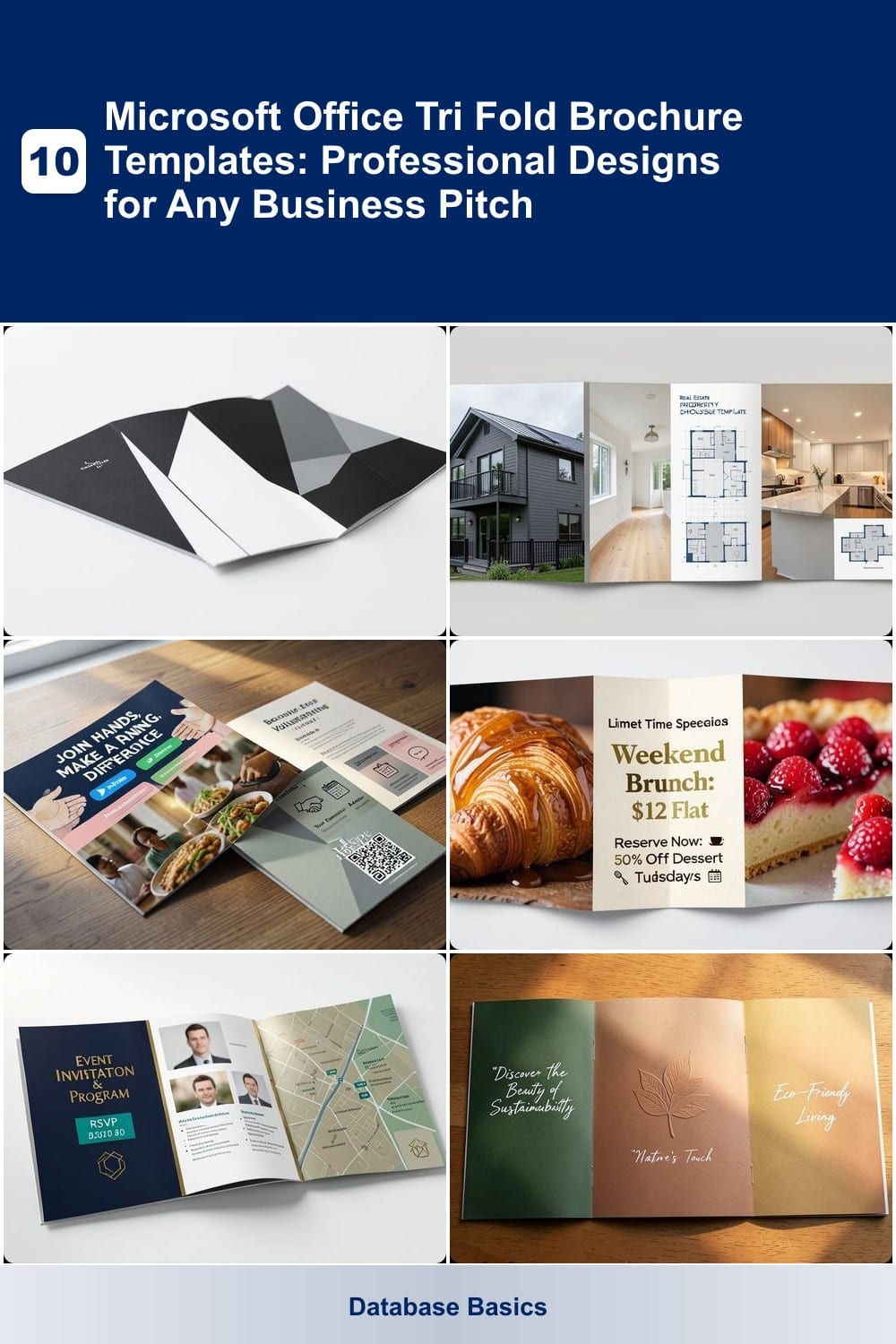
10 Microsoft Office Tri Fold Brochure Templates: Professional Designs for Any Business Pitch

October 25, 2026 by Nina Yoder
10 Microsoft Office Tri Fold Brochure Templates: Professional Designs for Any Business Pitch

Need eye-catching tri-fold brochures for your business but lack design skills? These 10 Microsoft Office-compatible templates help you create professional marketing materials quickly—no graphic designer required. Perfect…

Read more

Categories PowerPoint

Mimo Power Save Mode on or Off: When to Enable or Disable for Battery Life vs Performance

November 17, 2026 by Nina Yoder
Mimo Power Save Mode on or Off: When to Enable or Disable for Battery Life vs Performance

💥 Quick Answer Deciding whether to keep MIMO Power Save Mode on or off depends on your needs: leaving it active saves battery by cutting wireless activity, while turning it off boosts Wi-Fi speed and responsiveness for…

Read more

Categories PowerPoint

Powerpoint Can Attempt to Repair the Presentation: Instant Repair in 3 Clicks Without Data Loss

October 18, 2026 by Nina Yoder
Powerpoint Can Attempt to Repair the Presentation: Instant Repair in 3 Clicks Without Data Loss

PowerPoint can attempt to repair the presentation when your file throws up errors like "cannot open" or "corrupted" - and I've seen this happen more times than I can count. ⚡ The first time I encountered it was back in…

Read more

Categories PowerPoint

Visio Process Flow Diagram Templates: Free Downloads With Pre-Built Swimlanes

November 17, 2026 by Nina Yoder
Visio Process Flow Diagram Templates: Free Downloads With Pre-Built Swimlanes

A free Visio process flow diagram template download with pre-built swimlanes cuts your design time from hours to minutes—no drawing skills required. Staring at a blank Visio canvas wondering where to start? You’re not…

Read more

Categories PowerPoint
Page1Page2Page3Page4Page5Next →

About Me

Nina Yoder

Nina Yoder
My first computer was a clunky desktop my dad brought home from work in the mid-'90s, its screen flickering with every keystroke. That machine taught me patience—waiting for dial-up to connect, watching Windows 95 load with the sound of a floppy disk spinning. Now, I run this site to share the kind of no-nonsense tech advice I wish I’d had back then: clear, practical, and free of jargon. Whether it’s troubleshooting a stubborn PC or mastering a new tool, I’m here to help you get the most out of your tech without the frustration.

Learn more

Recent Posts

  • How to Download an Article From a Website: Browser Shortcut for Instant Saves
    How to Download an Article From a Website: Browser Shortcut for Instant Saves
  • This File Couldn't Be Downloaded: Bypass 404 Errors With These 3 Direct Fixes
    This File Couldn't Be Downloaded: Bypass 404 Errors With These 3 Direct Fixes
  • Learn to Use Microsoft Word: Download and Master Key Features in Minutes
    Learn to Use Microsoft Word: Download and Master Key Features in Minutes
  • How to Download a Video From SharePoint: Three-Click Process Without Losing Quality
    How to Download a Video From SharePoint: Three-Click Process Without Losing Quality
  • Something Went Wrong and Outlook Couldn't Set up Account: Step-by-Step Recovery Guide
    Something Went Wrong and Outlook Couldn't Set up Account: Step-by-Step Recovery Guide
  • All Guides
  • About
  • Contact
  • Privacy Policy
  • Cookie Policy
  • Terms of Use
© 2026 databasebasics.website