
Tip & Trick
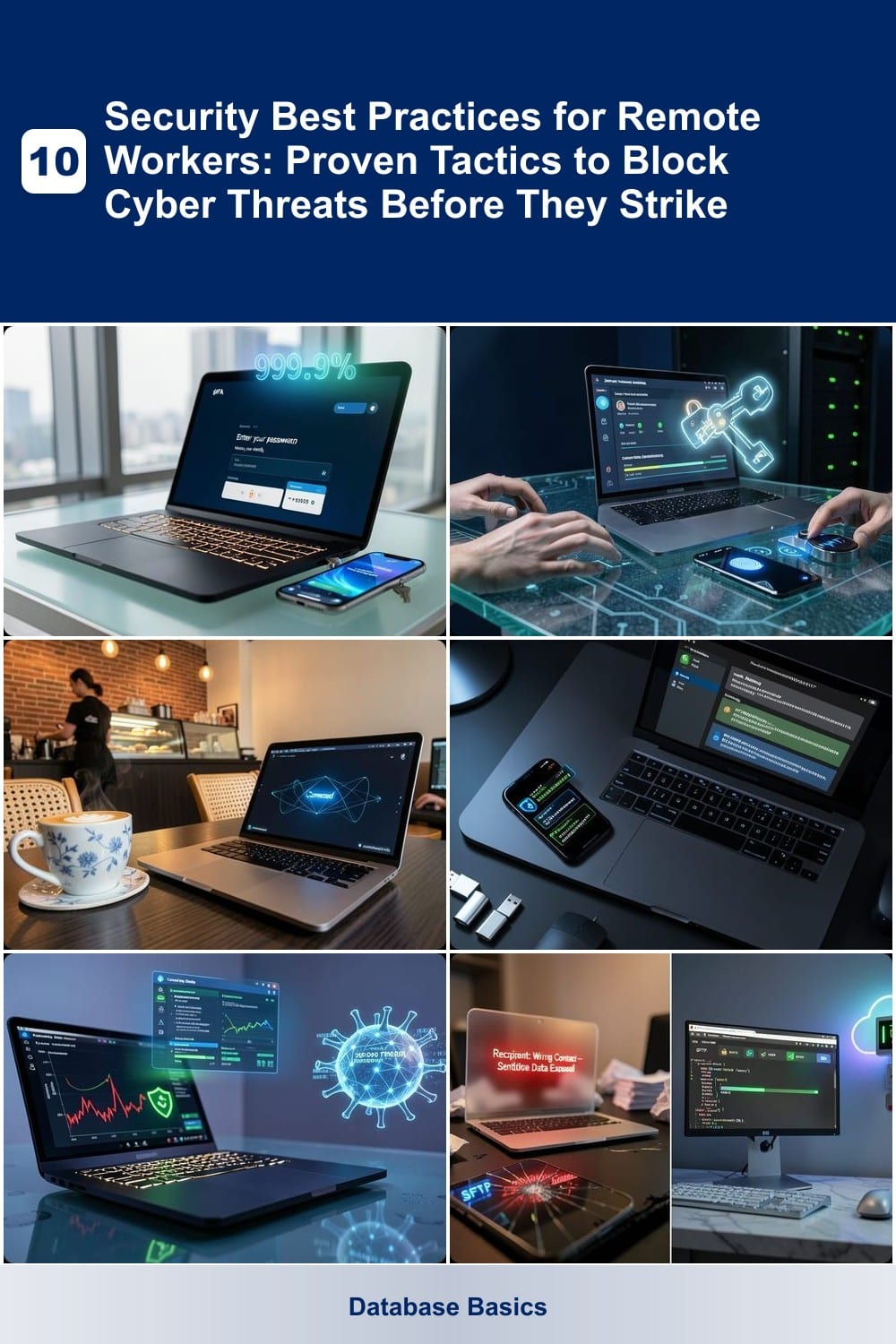
Remote work expands your digital footprint—but also your cybersecurity risks. These 10 battle-tested security practices will help you lock down devices, communications, and sensitive data before hackers exploit vulnerabilities.
Multi-Factor Authentication for Every Account
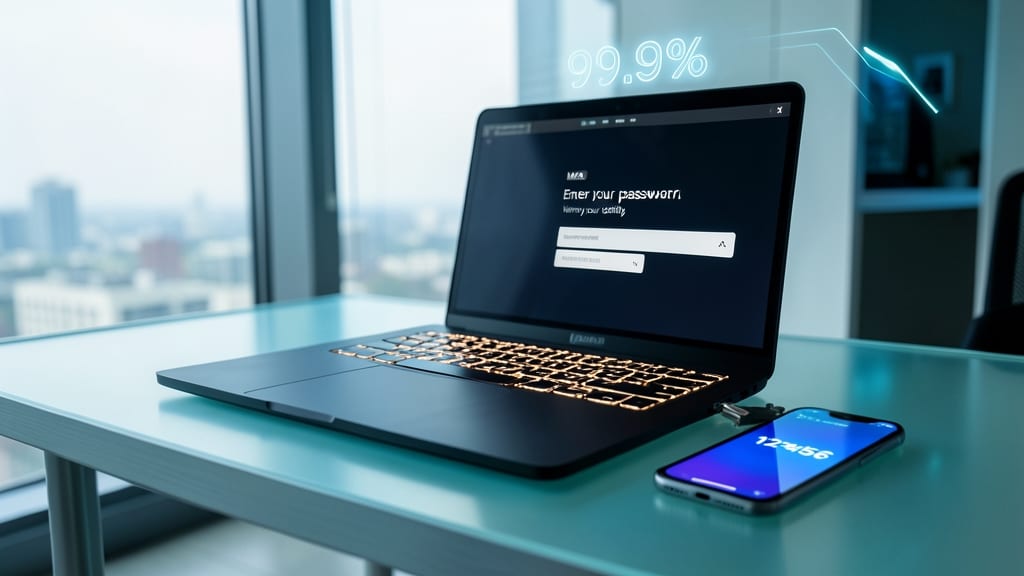
Your weakest password just became your strongest defense. Multi-Factor Authentication (MFA) turns a simple login into a two-step verification fortress, stopping 99.9% of automated attacks before they even reach your accounts.
Most services—from email to banking—support SMS codes, authenticator apps (like Google Authenticator or Authy), or biometric scans. Even if hackers crack your password (which they can do in seconds with modern tools), they’ll hit a dead end without your second factor. The best part? Zero-config setups take less than a minute to enable.
This isn’t just for work accounts—every personal account (social media, shopping, cloud storage) deserves MFA. Remote workers, freelancers, and even casual users should prioritize it, as breaches often start with compromised credentials. 💪
Zero-Trust Network Access Rules
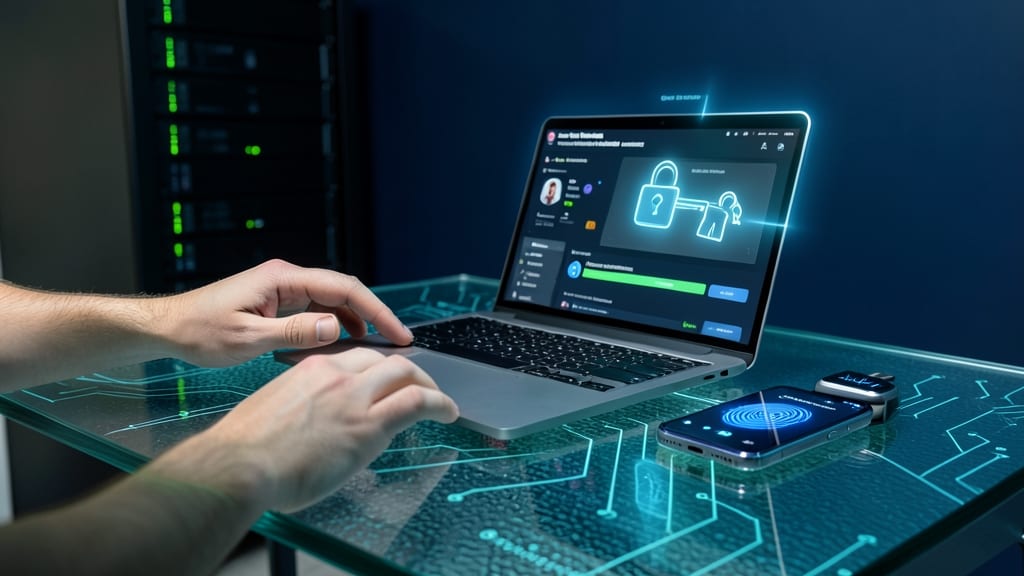
After securing your accounts with multi-factor authentication, the next critical layer is zero-trust network access—a paradigm shift that treats every device, even your own, as a potential threat until proven otherwise.
This approach requires continuous authentication (e.g., biometric checks or short-lived tokens) before granting access to company resources. Unlike traditional VPNs that trust devices once connected, zero-trust enforces least-privilege access, ensuring only authorized users with verified identities can reach sensitive data. Solutions like Microsoft Azure AD Zero Trust or Cisco Secure Access automate this by inspecting devices for compliance before granting entry.
Perfect for remote teams handling sensitive data, zero-trust minimizes lateral movement risks—meaning if one device is compromised, attackers can’t easily pivot to other systems. 🌟
Virtual Private Network on Public Wi-Fi
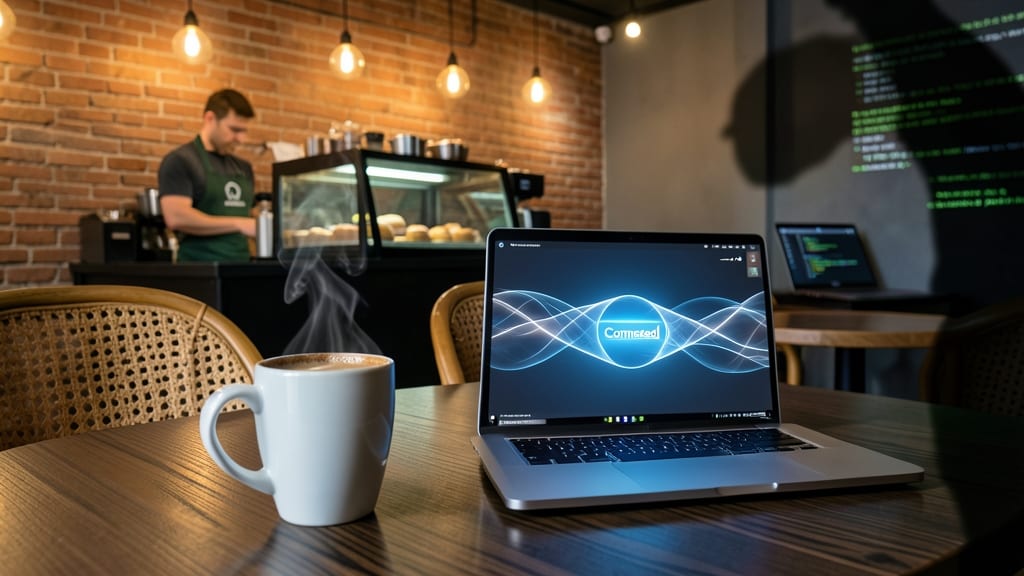
Public Wi-Fi at your favorite coffee shop is a hacker’s playground—unless you’re using a VPN. These tools create an encrypted tunnel for all your online traffic, making it impossible for attackers to intercept passwords, emails, or financial data in real time.
Top-rated options like NordVPN or ExpressVPN offer military-grade AES-256 encryption, automatic kill switches (cutting connections if the VPN drops), and servers in multiple countries to bypass geo-restrictions. Even free tiers from ProtonVPN provide basic protection, though paid plans unlock faster speeds and unlimited bandwidth.
This isn’t just for freelancers—anyone working remotely should use a VPN on public networks. Whether you’re checking bank accounts or collaborating with clients, encryption acts as your digital bodyguard. 💪
Password Manager with Biometric Lock
Tired of remembering 50+ passwords? A password manager with biometric lock solves this while adding an extra layer of protection. These tools don’t just store credentials—they generate unique, ultra-strong passwords for every account, eliminating the #1 breach risk: reused passwords.
Top solutions like Bitwarden or 1Password sync across devices and require Face ID, fingerprint, or PIN to unlock. This means even if your laptop gets stolen, thieves can’t access your vault without your biometrics. Plus, built-in two-factor authentication (2FA) integration ensures no account is left vulnerable. ⚡
Perfect for remote workers juggling work and personal accounts—especially those who travel frequently. One tap to log in, zero risk of credential stuffing attacks. 💻
Endpoint Detection and Response Software
When your personal laptop doubles as your workstation, traditional antivirus just isn’t enough. Endpoint Detection and Response (EDR) software like CrowdStrike or SentinelOne uses AI-driven behavioral analysis to spot and neutralize malware before it runs—even zero-day threats that slip past signature-based scanners.
These tools monitor system activity in real-time, flagging suspicious processes like ransomware encrypting files or keyloggers stealing keystrokes. Unlike basic antivirus, EDR provides detailed forensic reports to help you understand how an attack happened, not just whether it occurred. Many solutions also integrate with cloud services to block malicious downloads from compromised websites.
Perfect for freelancers, contractors, or anyone using unmanaged devices—EDR fills the gap when IT teams can’t oversee your setup. Just ensure your chosen solution supports remote management and lightweight performance so your workflow stays smooth. ✨
Secure File Sharing Protocols
Accidentally emailing sensitive files to the wrong person happens more often than you’d think—but secure file-sharing protocols like SFTP, SCP, or encrypted cloud links can prevent that nightmare scenario entirely.
Instead of relying on basic email attachments, SFTP (SSH File Transfer Protocol) encrypts transfers end-to-end, ensuring only authorized users can access files. Cloud services like Google Drive’s "Anyone with the link" (with password/expire settings) or Dropbox’s secure transfer links add an extra layer by revoking access after one-time use. For developers, Git LFS handles large binary files securely, while tools like Tresorit offer military-grade encryption for ultra-sensitive data.
This is especially critical for freelancers, legal teams, or anyone sharing contracts—one misclick could expose years of work. Use these protocols as your default, and you’ll sleep better knowing your files stay locked down. ✨
Regular Software Patch Management
Did you know that 90% of successful cyberattacks exploit vulnerabilities fixed months—or even years—earlier in software updates? Regular patch management isn’t just good practice—it’s your first line of defense against exploits that bypass even the strongest passwords and firewalls.
Most operating systems and applications now offer automated patching with minimal user input. Windows Update, macOS Software Update, and tools like Patch Management for Enterprise (PME) ensure critical fixes deploy silently in the background. For third-party apps, enable auto-updates in settings (e.g., Chrome, Java, Adobe Acrobat) or use centralized tools like WSUS for Windows environments. Even mobile devices benefit—iOS and Android both push security patches monthly, but you must opt in.
This is non-negotiable for remote workers handling sensitive data. Unpatched systems remain prime targets for ransomware, data theft, and credential stuffing attacks. Set a monthly reminder to verify updates—your future self (and IT team) will thank you. ✨
Physical Device Security Measures
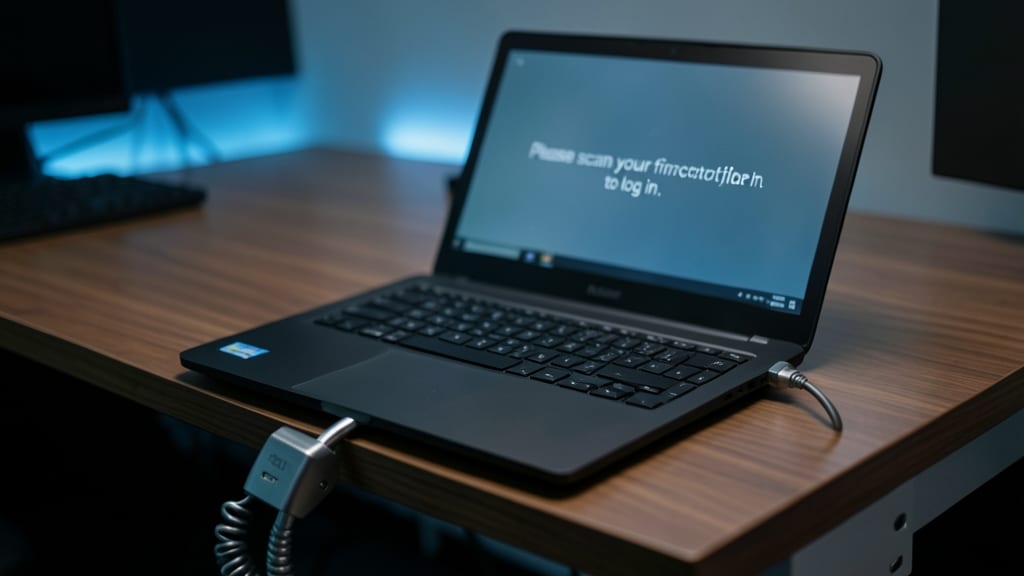
Even the strongest digital defenses fail if someone simply walks off with your unlocked laptop. Physical security measures—like cable locks ($20–$50), privacy screens (reducing visibility to 30°), and biometric screen locks—create multiple barriers against theft and shoulder-surfing attacks.
A Kensington cable lock secures your device to a desk or cart, while 3M Privacy Filters block prying eyes from reading sensitive emails or documents. Pair these with a Windows Hello fingerprint lock or macOS Touch ID for instant, theft-deterrent authentication. These tools are especially critical for remote workers handling unencrypted work data—where a lost device could expose client records or internal projects.
Freelancers, contractors, and executives traveling with laptops benefit most, but even casual users should adopt these basics. A $30 cable lock is cheaper than a data breach. 💪
Phishing Simulation Training
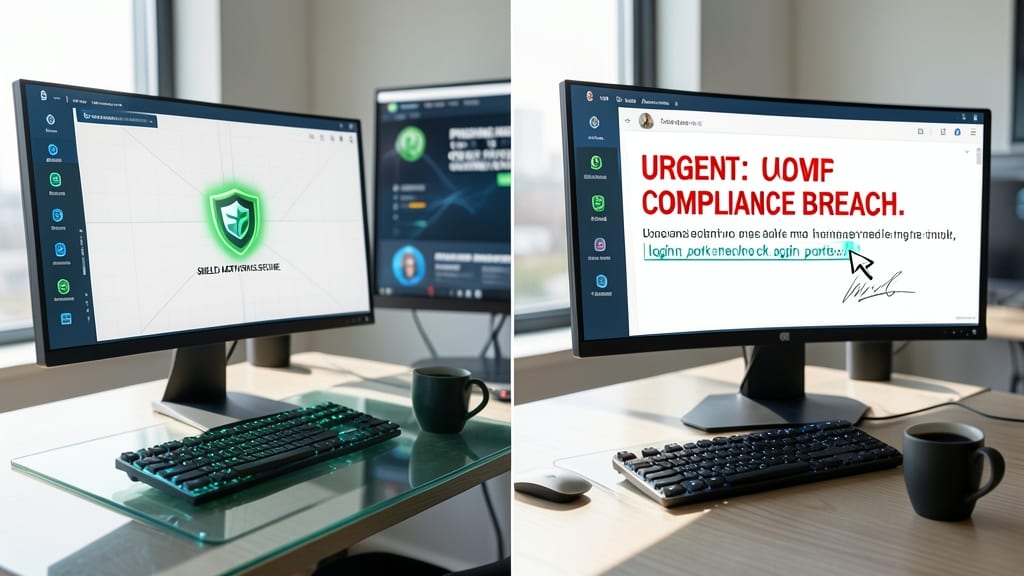
Even the most secure systems can crumble when an employee clicks a malicious link in a fake "urgent" email. Phishing simulation training turns your workforce into a human firewall by testing them with realistic scams—like urgent CEO requests or fake login portals—before attackers do.
Platforms like KnowBe4 or PhishMe deliver customizable campaigns with AI-driven templates that mimic real-world threats. These tools track click rates, report vulnerabilities, and even provide automated follow-up training for employees who fall for tests. The best programs simulate spear-phishing (targeted attacks) and smishing (SMS scams), covering all attack vectors.
This isn’t just for IT teams—freelancers, remote managers, and even solo entrepreneurs benefit from regular tests. A single click can expose your entire network, so treating phishing training like a mandatory security drill (not an optional add-on) is the fastest way to slash breach risks by up to 70%. ✨
Secure Remote Desktop Solutions
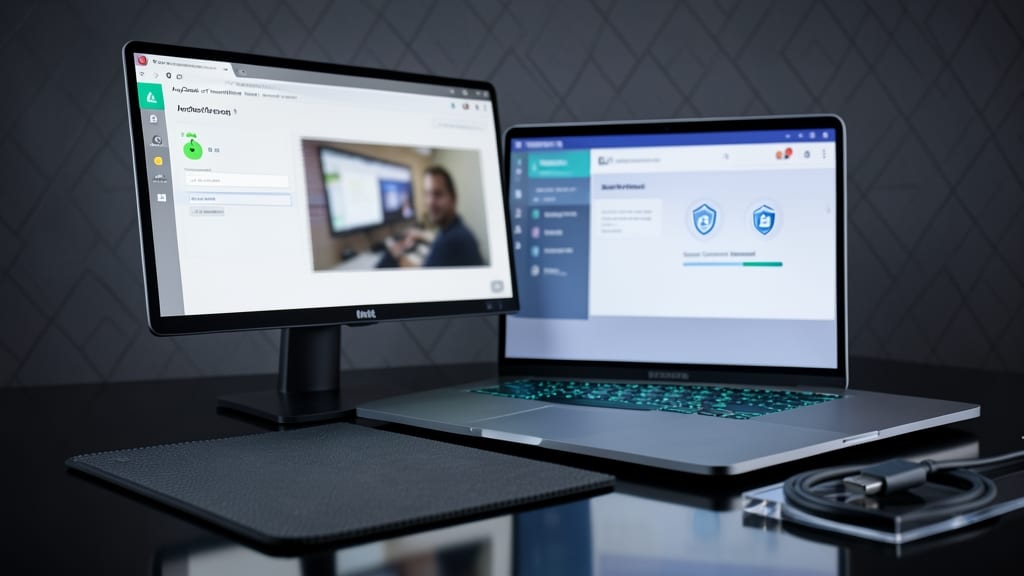
When remote support requires screen sharing, AnyDesk or TeamViewer with session passwords create an extra security layer that most users overlook. Unlike generic remote access tools, these platforms encrypt both your data and the connection itself, blocking keyloggers and unauthorized screen capture during sessions.
Both tools support end-to-end encryption (AES-256) by default, while features like temporary session passwords and two-factor authentication prevent unauthorized access even if your credentials leak. AnyDesk’s lightweight client runs smoothly on low-end devices, while TeamViewer adds cross-platform support for Linux, macOS, and Windows—ideal for hybrid teams.
IT admins and freelancers handling sensitive client data will appreciate the remote control without local admin rights, ensuring you can troubleshoot without exposing the host system. 💻