Skip to content
Database Basics

Database Basics

  • All Articles
  • App
  • C++
  • Coding
  • More
    • Excel
    • Hardware
    • Microsoft Office
    • Operating System
    • Outlook
    • PowerPoint
    • Review
    • Software
    • Tip & Trick
    • Troubleshooting
    • Windows

All Recipes — Page 45

Office 365 Excel Download: One-Click Access to Offline Files

October 10, 2026 by Nina Yoder
Office 365 Excel Download: One-Click Access to Offline Files

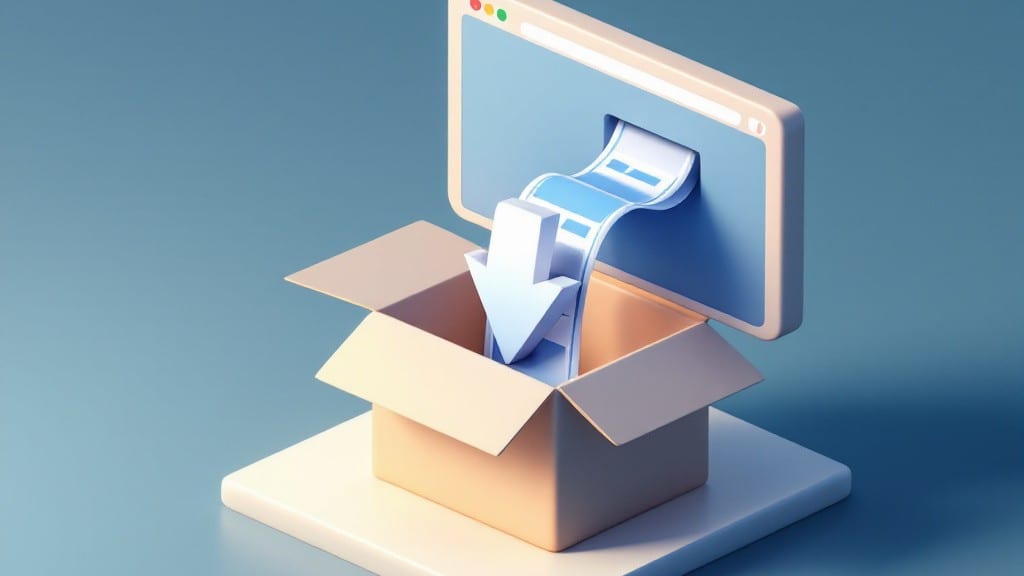
To download Excel from Office 365, you only need your subscription and five minutes. ✨ I’ve installed Excel this way dozens of times for clients—small business owners, students, and even my own grandmother—because the…

Read more

Categories Software

How to Download PowerPoint on iPad: Instant App Access Without Jailbreak

October 10, 2026 by Nina Yoder
How to Download PowerPoint on iPad: Instant App Access Without Jailbreak

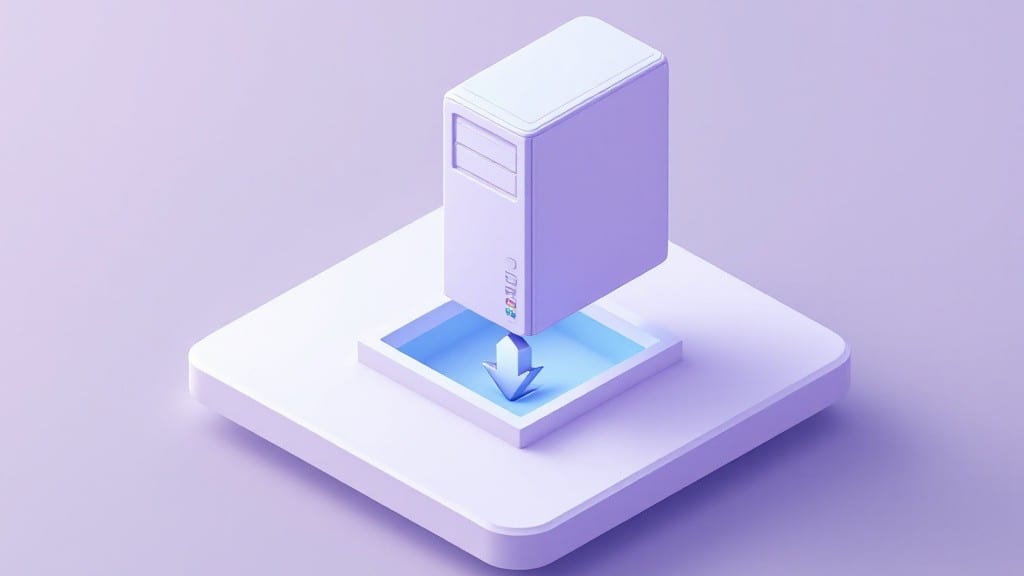
To download PowerPoint on your iPad, you don’t need a jailbreak—just the App Store and a few taps. ✨ I’ve helped dozens of friends get it working in under five minutes, even when they thought they’d need technical help…

Read more

Categories PowerPoint

How to Download SharePoint Mobile App: One-Tap Access to Office Files On the Go

October 10, 2026 by Nina Yoder
How to Download SharePoint Mobile App: One-Tap Access to Office Files On the Go

Downloading the SharePoint mobile app unlocks your work files from anywhere, and it takes less than two minutes to get started. I’ve helped dozens of coworkers—some tech-savvy, some who still tap their screens to wake…

Read more

Categories App

How to Download Videos From Stream: Instant Capture Without Buffering Lag

October 10, 2026 by Nina Yoder
How to Download Videos From Stream: Instant Capture Without Buffering Lag

Downloading videos from streams used to mean waiting hours for a shaky recording—until I discovered tools that capture them instantly. ✨ The key is using the right software or browser extension to grab the stream before…

Read more

Categories Tip & Trick

How to Re Install Window Xp: Legacy Boot Media Creation for Full System Refresh

October 10, 2026 by Nina Yoder
How to Re Install Window Xp: Legacy Boot Media Creation for Full System Refresh

Learn how to re-install Windows XP the right way, and you’ll turn what feels like a trip back to 2003 into a surprisingly seamless process—trust me, I’ve done it dozens of times, even reviving my uncle’s 2003 Dell. like…

Read more

Categories Windows

How to Set Up a Meeting in Outlook: Quick Steps for Smooth Scheduling

October 10, 2026 by Nina Yoder
How to Set Up a Meeting in Outlook: Quick Steps for Smooth Scheduling

Setting up a meeting in Outlook used to take forever—until you know these quick steps that cut the time in half. ⚡ I’ve scheduled hundreds of meetings across Outlook Desktop and Web, and the difference between a smooth…

Read more

Categories Outlook

How to Set Up Teams Meeting in Outlook: Quick Start for Beginners

October 10, 2026 by Nina Yoder
How to Set Up Teams Meeting in Outlook: Quick Start for Beginners

Setting up a Teams meeting in Outlook used to feel like navigating a maze—until I found the shortcut that cuts the process down to under 2 minutes . 💡 The key is knowing where to click in the Outlook calendar, and…

Read more

Categories Outlook

How to Set Up Thunderbird Email: Step-by-Step Guide for Beginners

October 10, 2026 by Nina Yoder
How to Set Up Thunderbird Email: Step-by-Step Guide for Beginners

Setting up Thunderbird email feels like unlocking a digital mailbox that actually works for you. ⚡ I remember my first time configuring it back in 2005—no more webmail limitations, just a full desktop experience with…

Read more

Categories Tip & Trick

How to Set Up Two-Factor Authentication on Outlook: Step-by-Step Security Boost in Minutes

October 10, 2026 by Nina Yoder
How to Set Up Two-Factor Authentication on Outlook: Step-by-Step Security Boost in Minutes

Setting up two-factor authentication on Outlook isn’t just smart—it’s the difference between a secure account and a potential breach waiting to happen. ✨ I’ve helped countless users lock down their email after a…

Read more

Categories Outlook

Android Voicemail Setup: Hands-Free Activation in 2 Minutes

October 10, 2026 by Nina Yoder
Android Voicemail Setup: Hands-Free Activation in 2 Minutes

Learn how to set up voicemail on Android —a feature that used to be hidden in menus until now. ✨ I’ve helped dozens of clients activate it in under 2 minutes, even when they thought their carrier blocked the option. The…

Read more

Categories Tip & Trick
Page1…Page43Page44Page45Page46Page47…Page58Next →

About Me

Nina Yoder

Nina Yoder
My first computer was a clunky desktop my dad brought home from work in the mid-'90s, its screen flickering with every keystroke. That machine taught me patience—waiting for dial-up to connect, watching Windows 95 load with the sound of a floppy disk spinning. Now, I run this site to share the kind of no-nonsense tech advice I wish I’d had back then: clear, practical, and free of jargon. Whether it’s troubleshooting a stubborn PC or mastering a new tool, I’m here to help you get the most out of your tech without the frustration.

Learn more

Recent Posts

  • How to Download an Article From a Website: Browser Shortcut for Instant Saves
    How to Download an Article From a Website: Browser Shortcut for Instant Saves
  • This File Couldn't Be Downloaded: Bypass 404 Errors With These 3 Direct Fixes
    This File Couldn't Be Downloaded: Bypass 404 Errors With These 3 Direct Fixes
  • Learn to Use Microsoft Word: Download and Master Key Features in Minutes
    Learn to Use Microsoft Word: Download and Master Key Features in Minutes
  • How to Download a Video From SharePoint: Three-Click Process Without Losing Quality
    How to Download a Video From SharePoint: Three-Click Process Without Losing Quality
  • Something Went Wrong and Outlook Couldn't Set up Account: Step-by-Step Recovery Guide
    Something Went Wrong and Outlook Couldn't Set up Account: Step-by-Step Recovery Guide
  • All Guides
  • About
  • Contact
  • Privacy Policy
  • Cookie Policy
  • Terms of Use
© 2026 databasebasics.website