
Coding
SQL Server 2012 introduced groundbreaking features that redefined database management. These ten innovations boost performance, security, and usability—essential upgrades for developers and IT professionals alike.
Contained Databases for Simplified Deployment
Tired of complex server configurations slowing down your database deployments? SQL Server 2012’s contained databases solve this by letting databases operate independently—no more relying on server-level logins or system databases for basic operations.
With contained databases, you gain self-contained authentication (users log in directly to their database), portable schemas (easy to move between servers), and minimal server setup—perfect for cloud or multi-tenant SaaS environments. This feature reduces deployment time by up to 40% while maintaining isolation.
Ideal for developers and IT teams managing shared hosting or microservices, contained databases cut through the complexity of traditional SQL Server setups. ✨
AlwaysOn Availability Groups for High Availability

If your business can’t afford even a second of downtime, AlwaysOn Availability Groups in SQL Server 2012 is your game-changer. Unlike traditional failover solutions, this feature replicates data in real-time across multiple servers, ensuring seamless transitions with zero data loss during failovers.
With synchronous commit as the default mode, transactions are only considered complete once they’re written to all replicas, guaranteeing consistency. You can configure up to 8 secondary replicas for read-scale workloads, and the built-in automatic failover handles server outages without manual intervention. Perfect for financial systems, healthcare databases, or any mission-critical application.
Ideal for enterprises where uptime equals revenue, this feature transforms SQL Server into a battle-tested setup. ⚡
Columnstore Indexes for Big Data Performance
If crunching petabytes of data leaves your queries running slower than a dial-up connection, columnstore indexes in SQL Server 2012 might be your game-changer. Designed specifically for analytical workloads, this feature stores data by columns instead of rows, drastically improving performance for aggregations and reporting.
With columnstore indexes, you can achieve 10x faster query speeds on large datasets by minimizing I/O operations and leveraging advanced compression. The feature integrates seamlessly with SQL Server Data Warehouse and PowerPivot, making it ideal for scenarios like sales analytics, financial reporting, or any BI application dealing with massive datasets. Best of all, it works alongside your existing row-based indexes without conflicts.
This is the go-to solution for data warehousing teams and business intelligence professionals who need to transform raw data into actionable insights without sacrificing speed. ⚡
Windows Server Core Support for Lightweight Installations
Tired of bloated server deployments hogging resources? SQL Server 2012’s Windows Server Core support delivers a 30%+ smaller footprint by stripping away unnecessary GUI elements while keeping all core database functionality intact.
This lightweight installation runs entirely in command-line mode, eliminating the overhead of Windows Server’s full GUI stack. Perfect for virtualized environments, it reduces memory usage and CPU load—ideal when hosting multiple SQL Server instances on the same hardware. The minimal attack surface also enhances security by removing unnecessary services.
DevOps teams and cloud providers will love this feature, as it maximizes resource efficiency in dense server farms. Perfect for high-density deployments where every MB of RAM counts. ⚡
Power View for Interactive Data Visualization

Tired of waiting for IT to build reports for you? Power View—SQL Server 2012’s embedded BI tool—lets business analysts create interactive dashboards directly in Excel with zero SQL knowledge required. No more back-and-forth with developers or complex reporting tools.
Drag-and-drop to build 3D charts, heatmaps, and pivot tables that update in real-time from PowerPivot data models. The tool integrates seamlessly with Excel 2013, so your existing workflows stay intact while unlocking advanced visualizations like time-based animations and drill-down hierarchies. Perfect for turning raw data into actionable insights without coding.
Ideal for finance teams, marketers, and operations analysts who need to explore trends on their own—no IT dependency required. ⚡
SQL Server Data Tools for Unified Development
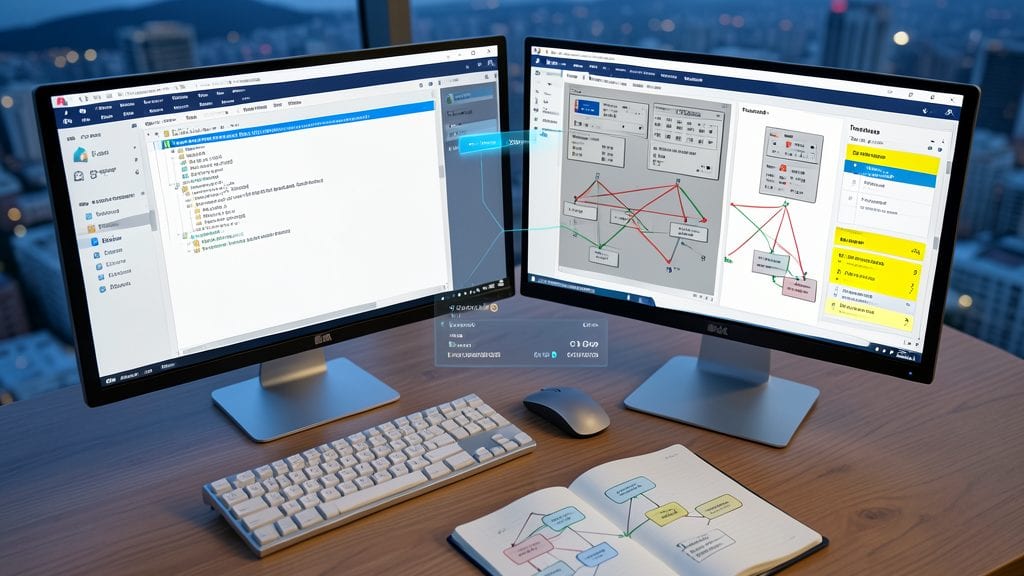
Tired of juggling multiple tools for database development? SQL Server Data Tools (SSDT) integrates everything into a single Visual Studio-based IDE, eliminating the need for separate schema editors, version control systems, and testing frameworks.
With database projects that compile and deploy like application code, schema comparison tools to sync environments, and built-in unit testing for T-SQL, SSDT transforms how you manage database changes. The source control integration (Git, TFS) ensures your schema evolves alongside your application code, while data-tier applications (DACs) package everything for seamless deployment. ⚡
Contained User Database Authentication
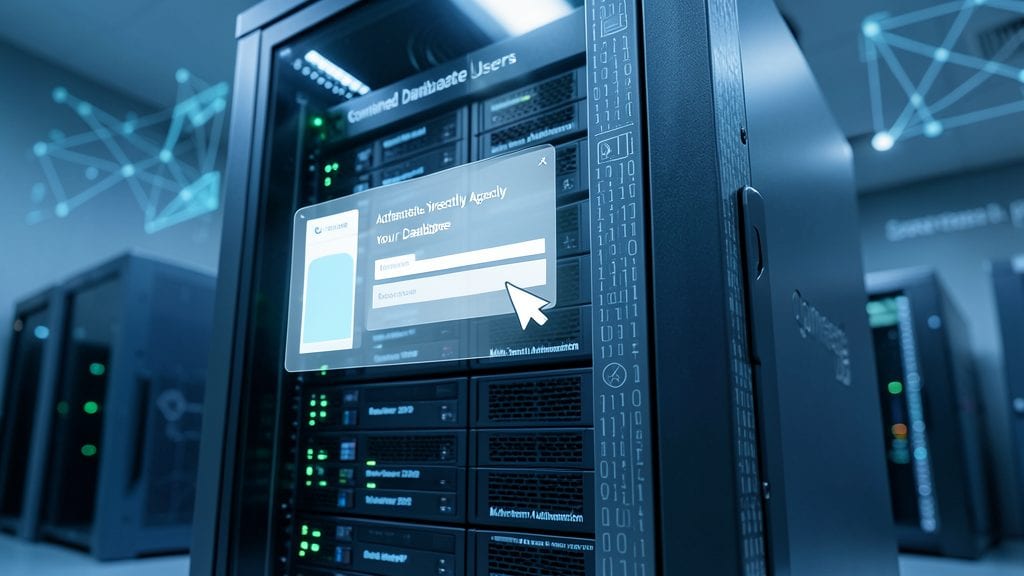
Tired of managing server-wide logins that complicate multi-tenant SaaS architectures? Contained User Database Authentication in SQL Server 2012 lets users authenticate directly against their own database—no server-level credentials required.
This feature introduces contained database users, which store credentials within the database itself, enabling seamless isolation for SaaS providers. You can now create users with database-scoped permissions (like CONTAINMENT = PARTIAL), eliminating dependency on server logins. Perfect for cloud deployments where tenant data must stay isolated.
Ideal for SaaS platforms and multi-tenant environments, this cuts admin overhead while improving security. Say goodbye to server-wide login sprawl! ✨
SQL Server Audit for Comprehensive Security Tracking

Worried about compliance audits? SQL Server Audit removes the guesswork by capturing every database interaction—from failed logins to schema changes—directly in SQL Server 2012. No third-party tools needed.
This built-in feature logs 14 distinct audit actions (like DBCC commands or object permission changes) to files or the Windows Security Log. It’s fully customizable via T-SQL, so you can focus on critical activities like HIPAA-sensitive data access while ignoring routine queries.
Perfect for healthcare, finance, or any industry bound by strict regulations—just enable it and let SQL Server handle the heavy lifting. ✨
Sequence Objects for Simplified Number Generation

Tired of juggling identity columns and triggers just to generate sequential numbers? SQL Server 2012’s Sequence Objects streamline this process with a cleaner, more efficient syntax—eliminating the need for complex workarounds.
With Sequence Objects, you can define custom sequences (like CREATE SEQUENCE my_seq AS INT START WITH 1 INCREMENT BY 10) that auto-generate values without manual intervention. They support cycling, caching, and custom boundaries, making them ideal for reporting IDs, order numbers, or audit trails. Plus, they integrate seamlessly with NEXT VALUE FOR in T-SQL for zero-config simplicity.
This feature is a game-changer for developers managing key generation or batch processing, cutting clutter and improving maintainability. ⚡
Backup Encryption for Data Protection
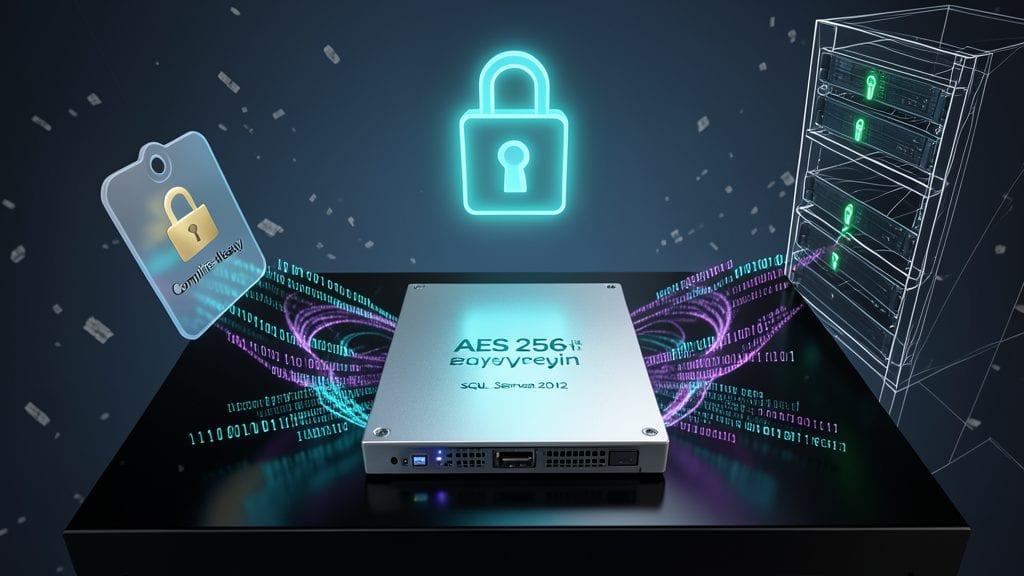
Worried about unauthorized access to your backups? SQL Server 2012’s Backup Encryption feature solves that with AES 256-bit encryption, the gold standard for data protection. Unlike previous versions, this ensures your backups stay secure both at rest and during transit—critical for compliance-heavy industries like healthcare or finance.
With zero-configuration overhead, you can encrypt backups using built-in tools like BACKUP DATABASE with the ENCRYPTION option. The encryption key can be stored in the Windows Certificate Store or a password-protected file, giving you full control over access. Performance impact is minimal, and it integrates seamlessly with existing backup workflows.
This feature is a must-have for IT admins managing sensitive data or compliance officers needing audit-ready security. No third-party tools required—just built-in protection. ✨