
Software
Navigating Microsoft SQL Server Management Studio (SSMS) versions can be tricky—especially when ensuring compatibility with your database projects. This guide breaks down 10 key SSMS versions, comparing their release years, standout features, and compatibility quirks to help you choose the right tool for your workflow.
SQL Server Management Studio 18.0 for SQL Server 2017
If you're still running SQL Server 2017 in production, SSMS 18.0 is your last standalone lifeline before Microsoft shifted focus to Azure Data Studio. This was the final version to receive dedicated updates, ensuring full backward compatibility with SQL Server 2017's feature set—including Always Encrypted and Stretch Database capabilities.
The 18.0 release introduced subtle but critical improvements like enhanced query plan analysis and better IntelliSense performance for complex T-SQL scripts. It also included dark theme support, a long-awaited quality-of-life upgrade for developers working long hours. Unlike later versions, it maintained full compatibility with SQL Server 2012-2017, making it the go-to for legacy environments.
This version is perfect for DBAs and developers maintaining on-premises SQL Server 2017 deployments who need a stable, feature-complete tool without Azure dependencies. ⚡
SQL Server Management Studio 17.9.1 with Azure Integration

If you're managing databases across both on-premises and Azure environments, SSMS 17.9.1 bridges the gap with its native Azure Database Migration Service (DMS) integration. This was the first version to seamlessly connect hybrid workflows, letting you migrate schemas, data, and even compliance settings from legacy SQL Server instances to Azure SQL Database with minimal downtime.
The standout feature is the built-in migration assistant that generates T-SQL scripts for schema conversion, handles compatibility checks, and even previews data type mappings before execution. For teams using Azure SQL Managed Instance, the version also introduced streamlined connection strings and performance tuning tools tailored for cloud workloads.
This version is ideal for DBAs and cloud architects transitioning from on-premises SQL Server 2016/2017 to Azure, where the migration process feels intuitive rather than clunky. 💻
SQL Server Management Studio 17.8 for SQL Server 2016
If you're still running SQL Server 2016 SP2—a version widely deployed in enterprise environments—SSMS 17.8 is your best friend. This version was specifically optimized to address the needs of organizations maintaining this long-supported release, offering targeted improvements that earlier versions couldn't provide.
Key upgrades include a revamped IntelliSense engine that delivers faster, more accurate autocomplete suggestions, reducing development time for complex queries. The Query Performance Insight tool was also refined to give deeper visibility into execution plans, helping DBAs pinpoint bottlenecks in legacy systems. For enterprises stuck with SQL Server 2016 SP2, this version ensures you get modern tooling without requiring a full upgrade. 💻
SQL Server Management Studio 17.7 with PowerShell Scripting

If you're a DevOps team drowning in repetitive SQL deployment tasks, SSMS 17.7 introduced a game-changer: native PowerShell scripting integration. This version transformed SSMS from a manual tool into a fully programmable environment, letting you automate database provisioning, schema changes, and even security audits with PowerShell cmdlets.
The SqlServer module (now part of the PowerShellGet repository) lets you execute T-SQL commands directly from scripts, manage logins, and configure servers—all while maintaining version control. Combined with SSMS's existing UI, this creates a zero-config pipeline for DevOps workflows. The Invoke-Sqlcmd cmdlet alone saves hours by letting you run complex queries without GUI clicks.
This version is a must-have for teams managing multi-server environments or CI/CD pipelines. It bridges the gap between database administration and automation, making it the first SSMS release truly built for infrastructure-as-code workflows. ⚡
SQL Server Management Studio 17.4 for SQL Server 2014
If your organization still relies on SQL Server 2014, SSMS 17.4 is a non-negotiable update—especially for compliance-heavy environments. This version introduced critical security enhancements, including deeper integration with Always Encrypted, Microsoft’s column-level encryption that protects sensitive data at rest and in transit without application changes.
The update also added compliance-ready audit tools, streamlining PCI-DSS and HIPAA reporting by automatically logging encryption events and access patterns. For teams managing legacy systems, the SQL Server 2014 SP2 compatibility ensures zero disruptions while finally addressing vulnerabilities that older versions couldn’t patch. The enhanced query store also helps identify performance bottlenecks in encrypted queries—something earlier versions struggled with.
This version is a must for financial services, healthcare, or government contractors still running SQL Server 2014 due to compliance mandates. It’s the last meaningful security upgrade before Microsoft’s extended support ends, making it a battle-tested setup. ⚡
SQL Server Management Studio 17.2 with Linux Support

If you’ve ever juggled SQL Server deployments across Windows and Linux, SSMS 17.2 is the game-changer you’ve been waiting for. Microsoft’s first official version to support Linux-based SQL Server deployments, it finally bridges the gap for admins managing cross-platform environments without sacrificing familiar workflows.
This release introduced native Linux compatibility for managing SQL Server on Ubuntu, RHEL, and SUSE, while retaining all the Windows-based SSMS features you rely on. The cross-platform connection manager lets you seamlessly switch between Windows and Linux servers, and query performance tools remain identical—no trade-offs for flexibility. Plus, it’s the first version to fully support SQL Server 2017 on Linux, unlocking modern features like Always Encrypted and Transparent Data Encryption for Linux deployments.
Perfect for DevOps teams and database administrators who need to manage SQL Server across both ecosystems, SSMS 17.2 eliminates the need for separate tools. ⚡
SQL Server Management Studio 16.5.3 for SQL Server 2012

If you're still running SQL Server 2012—whether for compliance, legacy applications, or cost reasons—SSMS 16.5.3 is your lifeline. This version isn’t just about basic functionality; it delivers critical cumulative updates that patch security vulnerabilities and optimize performance, often making it non-negotiable for regulated industries.
The 16.5.3 release includes fixes for SQL Injection flaws, buffer overflows, and cross-site scripting risks, along with tweaks to query execution plans and index maintenance. It’s specifically designed to work seamlessly with SQL Server 2012 SP4, ensuring you’re not left exposed by outdated tools. The lightweight footprint also means minimal overhead on older hardware.
This version is a must-have for financial institutions, healthcare providers, or any business bound by strict compliance standards like HIPAA or PCI DSS. Without it, you risk failing audits—or worse, data breaches. ⚡
SQL Server Management Studio 16.0 for SQL Server 2016 RTM

When SQL Server 2016 launched, SSMS 16.0 wasn’t just an update—it was a leap forward with Query Store and temporal tables, two features that redefined how developers monitor and debug performance in production environments.
The Query Store introduced persistent performance metrics, letting you track query execution history, execution plans, and runtime statistics—no more guessing why a query suddenly slowed down. Meanwhile, temporal tables added built-in time-travel capabilities, so you could instantly see historical data states without complex triggers. Together, these features made it easier than ever to debug issues and maintain data integrity in mission-critical applications.
This version is a must-have for teams working with SQL Server 2016 RTM, especially those managing modern OLTP workloads where performance consistency is critical. ⚡
SQL Server Management Studio 13.0 for SQL Server 2014
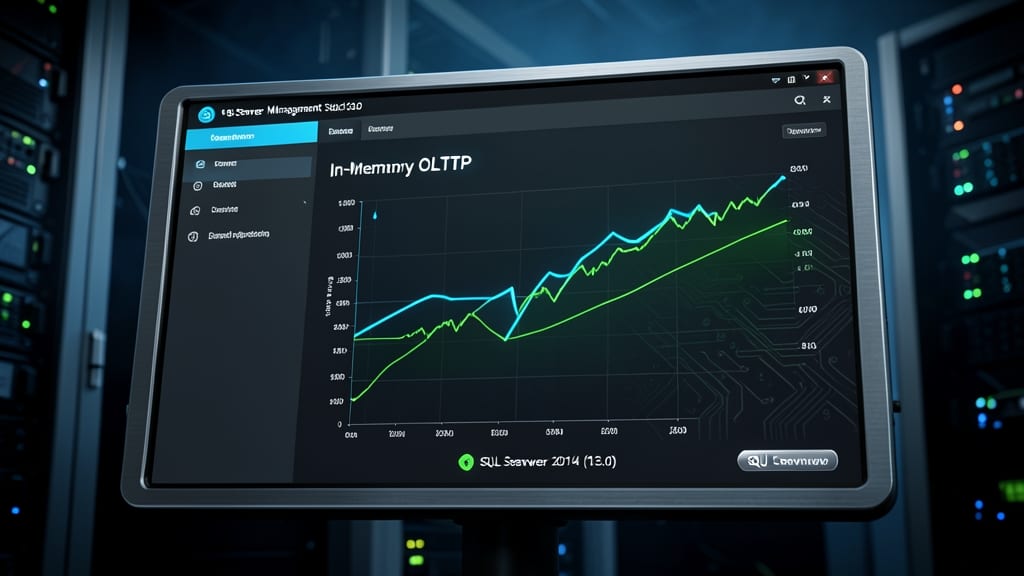
If you're managing high-frequency transactional systems where every millisecond counts, SQL Server Management Studio 13.0 was your gateway to next-gen performance. Released alongside SQL Server 2014, this version introduced In-Memory OLTP, a game-changer for applications needing sub-millisecond latency—like financial trading platforms or real-time analytics engines.
The In-Memory OLTP engine stored critical tables in memory, slashing latency for OLTP workloads by 10x compared to disk-based operations. You also gained natively compiled stored procedures, which executed up to 100x faster than traditional T-SQL. For developers, the enhanced debugging tools made optimizing these high-performance components far more intuitive.
This version was a must-have for enterprise database administrators and high-performance application developers building latency-sensitive systems. It bridged the gap between traditional SQL Server and the ultra-low-latency demands of modern transaction processing. ✨
SQL Server Management Studio 12.0 for SQL Server 2014 Preview

If you're managing enterprise-grade SQL Server deployments, SSMS 12.0 Preview was the first to introduce AlwaysOn Availability Groups—a feature now considered essential for high-availability setups.
Released as a preview version for SQL Server 2014, this iteration included experimental tools that later became industry standards. The AlwaysOn feature allowed seamless failover clustering and automatic data synchronization, reducing downtime risks. It also introduced enhanced backup and restore options for disaster recovery, making it a pioneer in enterprise resilience.
This version was ideal for IT admins and database architects testing high-availability configurations before the official SQL Server 2014 release. Its legacy lives on in modern SSMS versions that refined these capabilities. ✨