
Software
Microsoft Teams isn’t just for businesses—it’s a game-changer for teachers looking to modernize classrooms. These 10 benefits show how Teams simplifies communication, enhances collaboration, and keeps students engaged—even beyond school walls.
Seamless classroom communication hub
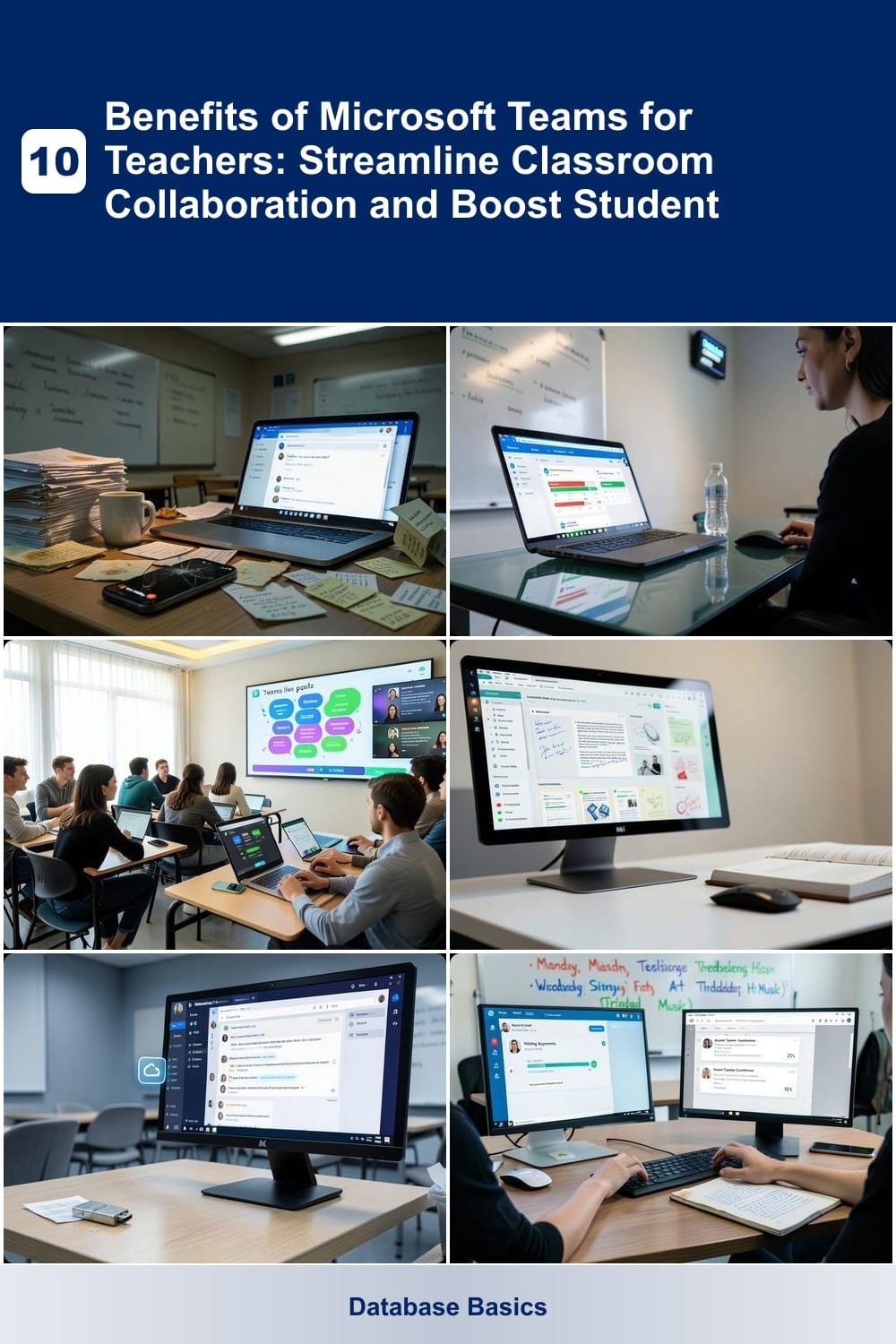
Drowning in a sea of emails, lost paper notes, and missed parent messages? Microsoft Teams’ classroom communication hub turns the chaos into a single, searchable thread—where every announcement, reminder, and @mention stays visible to students, parents, and staff. No more digging through inboxes or filing cabinets; everything lives in one organized space, accessible from any device.
The @mentions feature ensures no one misses critical updates (like field trip changes or test reminders), while announcement pins highlight urgent deadlines at the top of the screen. Threaded chats keep discussions focused—whether it’s a student asking for help or a parent confirming attendance. Plus, file attachments (like permission slips or syllabi) stay linked to conversations, so nothing gets buried in follow-up emails.
This is your all-in-one solution for busy educators juggling communication across multiple stakeholders. Whether you’re coordinating a project or sharing last-minute updates, Teams keeps everyone aligned—without the clutter. 💡
One-stop assignment management system
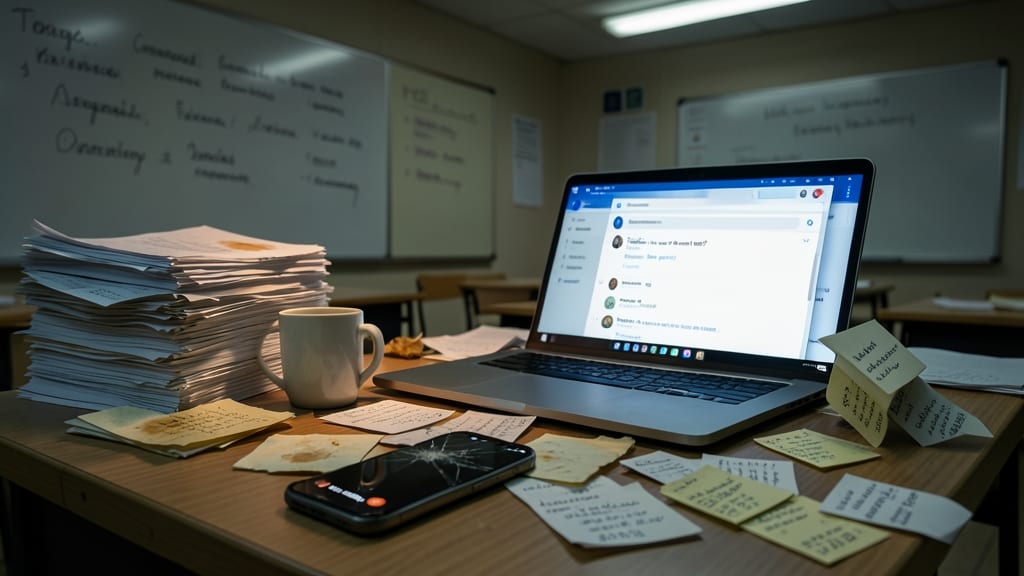
Say goodbye to lost homework and frantic last-minute paper chases—Microsoft Teams’ assignment management system turns chaos into clarity with a single, digital hub for everything. Students submit work directly, rubrics auto-grade objectives, and submission deadlines sync with your calendar, so nothing slips through the cracks.
Create customizable assignments with due dates, point values, and even file-type restrictions (e.g., only PDFs or Word docs allowed). The built-in grading tools let you add voice comments, draw annotations on documents, or use rubrics with pre-set criteria—all while tracking progress with real-time submission stats. No more digging through backpacks or misplaced USB drives; every file stays organized in the cloud, searchable by keyword or student name.
This feature is a game-changer for high school teachers managing research projects or elementary educators tracking writing progress—anyone who’s ever spent Friday night hunting down missing work will appreciate the peace of mind. 💪
Real-time classroom collaboration tools

Turn passive lectures into dynamic discussions with Teams’ built-in collaboration tools, designed to make every student feel heard—even in hybrid or flipped classrooms. The platform’s live polls and quizzes let you gauge understanding instantly, while breakout rooms transform group work from chaotic to structured, all within the same space.
With zero-configuration setup, you can launch a multiple-choice quiz in seconds or split students into virtual study groups with one click. The real-time feedback feature highlights misconceptions on the spot, and integration with Office 365 apps means you can share documents or whiteboards seamlessly. No extra logins or complicated apps needed—just plug-and-play engagement.
Perfect for AP teachers, ESL instructors, or STEM classes where collaboration is key, these tools turn passive observers into active participants. 💡
Integrated class notebooks for lessons
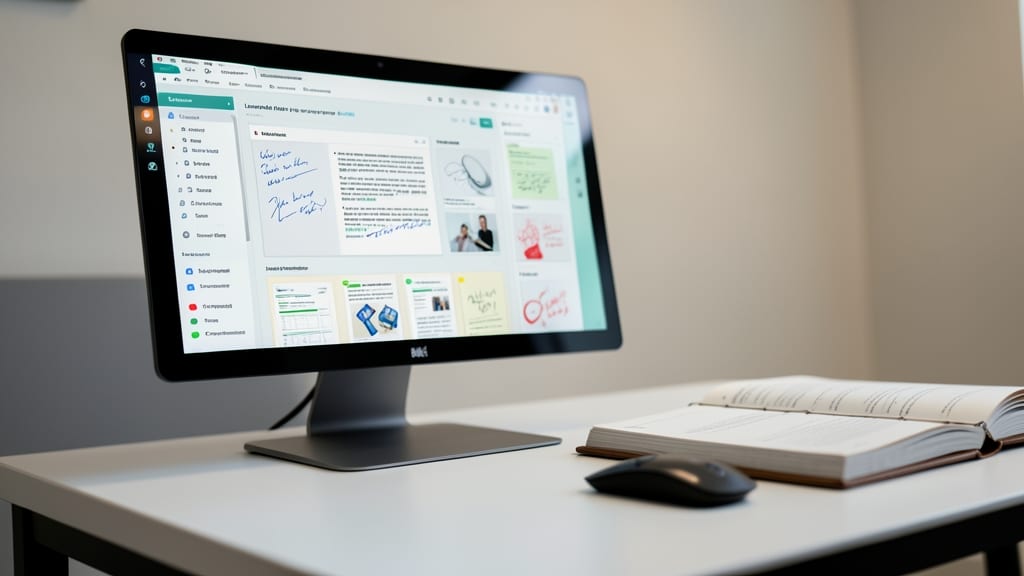
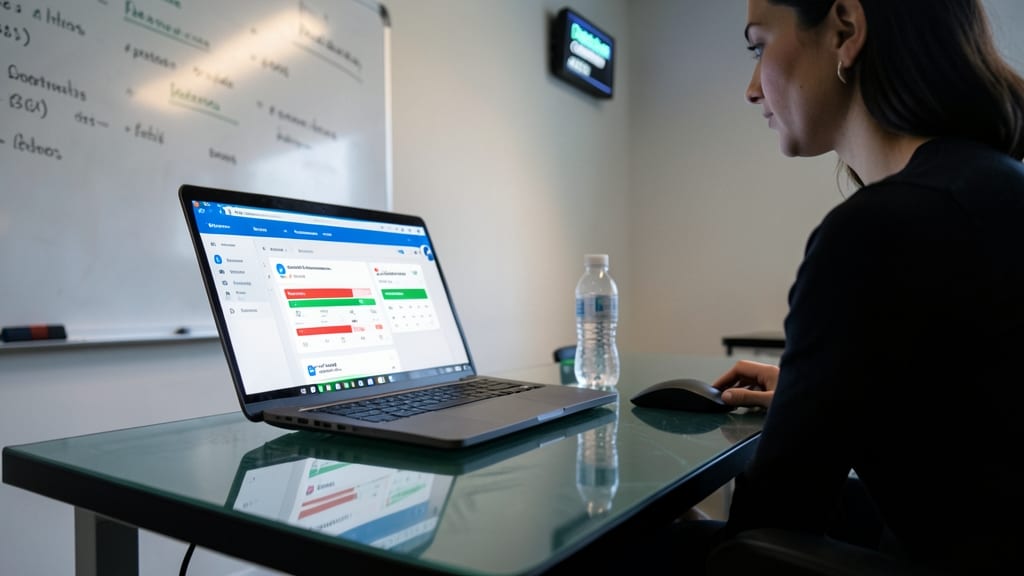
Tracking student progress across weeks—or even months—just got easier with Teams’ Class Notebook, a digital workspace that merges lesson plans, handouts, and student submissions into one searchable hub. No more shuffling through binders or losing track of drafts; everything stays organized in real time.
AP teachers will love the three-ring binder structure (Instructor, Student, and Collaboration sections) that keeps materials separate yet accessible. You can embed OneNote pages, attach files, and even annotate directly on student work—all while maintaining a clear audit trail. The search function lets you find specific notes or assignments instantly, saving hours during grading or lesson planning.
This feature shines for teachers managing long-term projects or complex subjects where context matters. Whether you’re teaching calculus or creative writing, the Class Notebook turns chaos into clarity. ✨
Secure file sharing for sensitive data
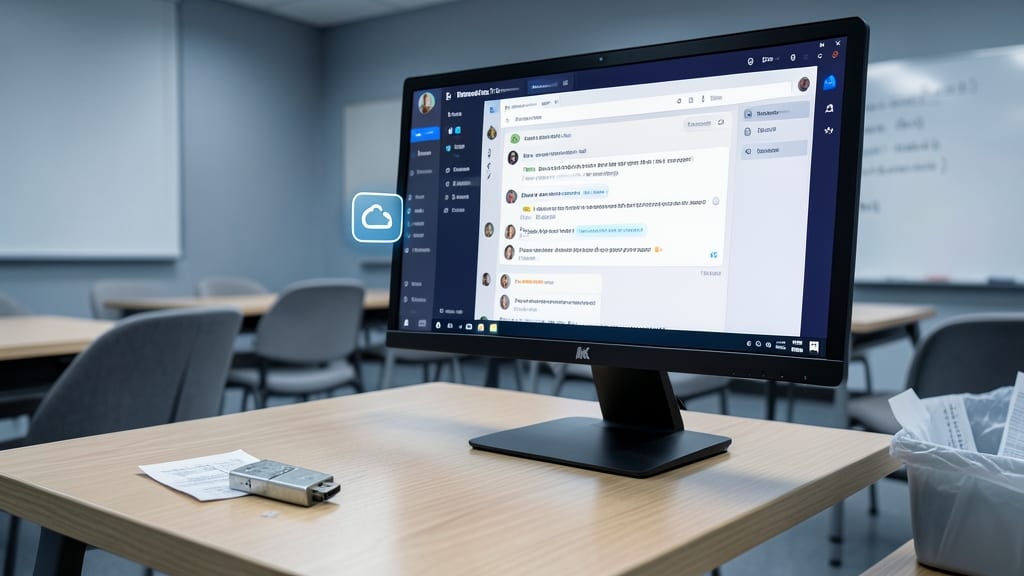
Worried about lost USB drives or unencrypted emails exposing sensitive student data? Microsoft Teams’ built-in security features—like end-to-end encryption, role-based access controls, and FERPA-compliant storage—ensure lesson plans, grades, and records stay protected. No IT degree required to set up secure file sharing for your class.
With Microsoft Purview compliance tools, you can restrict access by role (e.g., only admins see grades) and track file activity in real time. The 1TB per user storage (included with Education licenses) also eliminates the need for external drives, reducing risks of physical loss or theft. Plus, automatic backups mean no data is ever truly deleted—just archived securely.
This feature is a must for special education teachers, department chairs, or anyone handling IEP documents or standardized test scores. Rest easy knowing your sensitive files are safer in Teams than in a locked drawer. 💻
Parent-teacher connection simplified
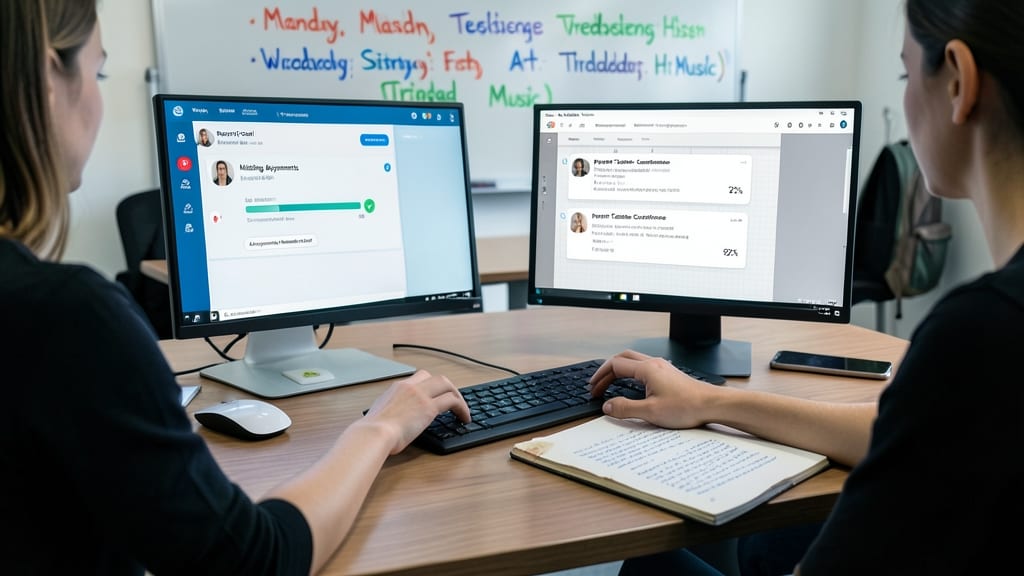
Tired of endless phone calls and voicemails chasing parents for missing assignments? Microsoft Teams’ parent portal transforms communication with real-time updates—no more guesswork about deadlines or events.
The Class Notebook integration automatically pushes announcements, grades, and upcoming tests to parents’ inboxes, while the mobile app lets them check updates anytime. You can even customize notifications to highlight only what matters—like late submissions or field trip reminders—keeping everyone aligned without extra effort.
This feature is a lifesaver for busy parents and substitute teachers who need quick, reliable updates. No more playing phone tag—just clear, organized communication that keeps everyone on the same page. ✨
Built-in video conferencing for remote learning
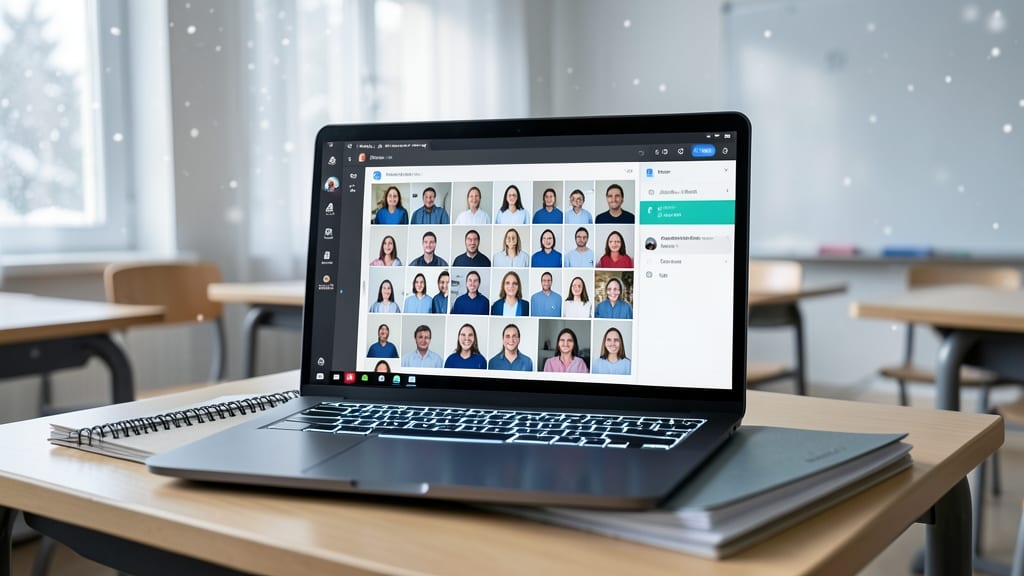
When substitute teachers or snow days strike, you don’t need a separate video conferencing tool—Teams has you covered with built-in HD video calls that work seamlessly across devices. No extra accounts or logins required, just a simple click to host classes with up to 1,000 participants in one session.
The screen sharing feature lets you display lesson materials, whiteboards, or even student work in real time, while recording sessions ensures students never miss a day. Background blur and noise suppression keep focus on teaching, not tech glitches. Plus, the mobile app delivers the same quality on phones or tablets, so you’re never stuck without tools.
This is the ultimate backup plan for unexpected absences—no extra setup, no compatibility headaches, just reliable virtual classrooms ready when you are. ✨
Customizable classroom tabs for organization
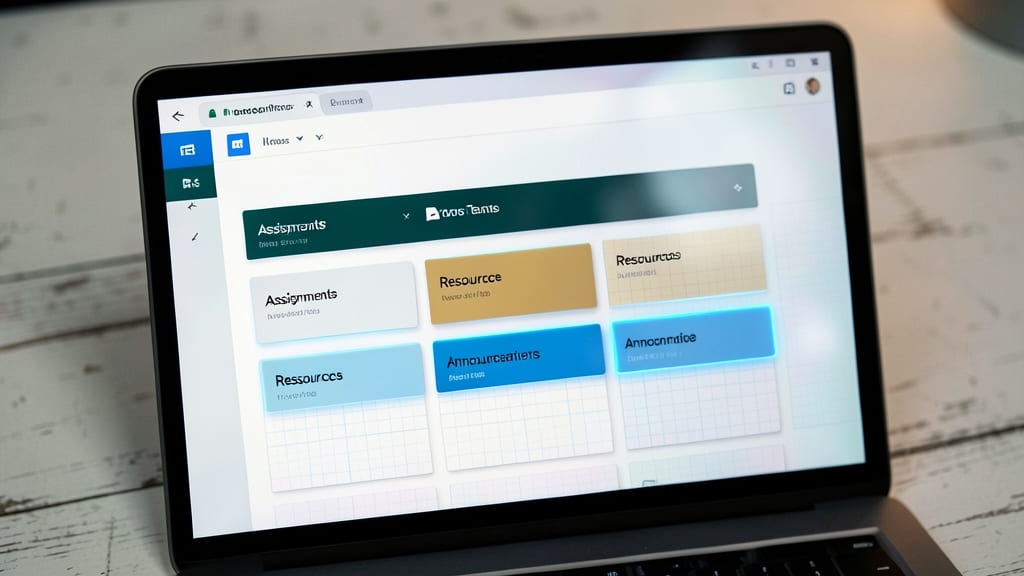
Say goodbye to digital chaos—Microsoft Teams’ customizable classroom tabs transform your dashboard into a focused workspace. No more scrolling through endless chats or misplaced files; instead, you create dedicated tabs for assignments, resources, and announcements, all in one clean view.
With drag-and-drop tab organization, you can prioritize what matters most—like a syllabus tab for quick reference or a resource hub with links to videos and articles. Students see only what’s relevant to their current tasks, reducing distractions. The collaborative nature means you can even let students contribute to shared tabs, like a class project repository.
This feature is a lifesaver for busy teachers juggling multiple classes or substitute teachers who need instant access to key materials. It’s the secret to a less overwhelming, more productive classroom experience. ✨
Automated gradebook sync with PowerSchool
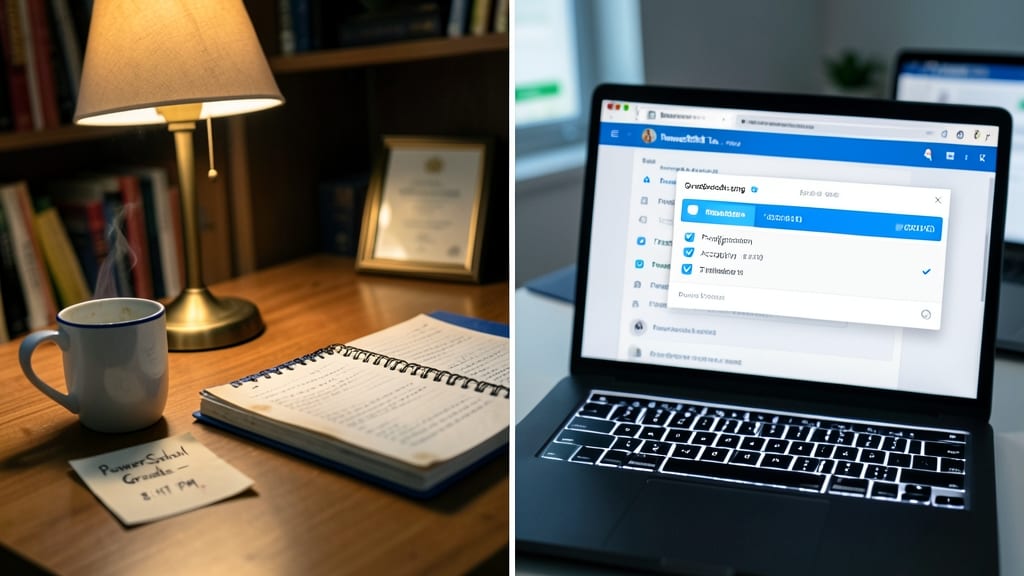
Tired of spending evenings manually entering grades into PowerSchool? Microsoft Teams’ automated gradebook sync bridges the gap between grading and record-keeping, saving you hours each week.
With just a few clicks, grades entered in Teams—whether from assignments, quizzes, or discussions—automatically push to PowerSchool, eliminating double data entry. The integration supports real-time updates, so no more waiting for end-of-term bulk uploads. Plus, it works seamlessly with Teams’ built-in grading tools, like rubrics and feedback comments, ensuring consistency across platforms.
This feature is a lifesaver for teachers managing multiple classes or subjects, cutting grading time by up to 50% while reducing errors. Say goodbye to spreadsheets and hello to streamlined workflows. ✨
Free microsoft Education license benefits
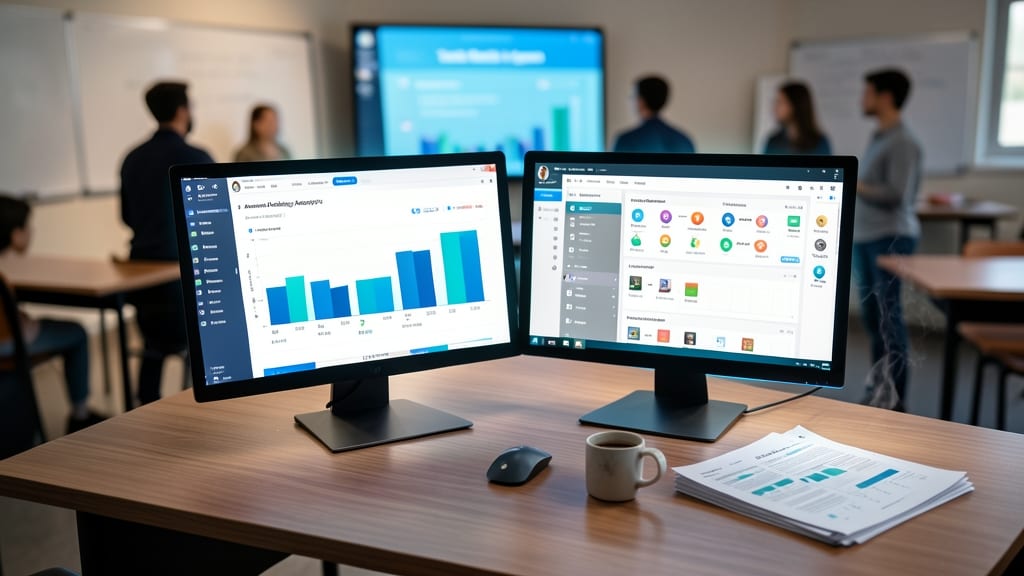
Your school’s Microsoft Education License unlocks hidden premium features in Teams that most users overlook—especially the advanced analytics dashboard and 1TB+ file storage per user, all included at no extra cost.
Dive into classroom engagement insights with detailed reports on student participation, assignment completion rates, and even device usage patterns—tools typically reserved for paid enterprise plans. Meanwhile, the expanded OneDrive storage (up to 1TB) lets teachers store entire course libraries, multimedia projects, and archived student work without worrying about hitting limits. These perks are automatically enabled for educators and students once your school’s license is activated.
This is the secret sauce for data-driven teachers and those managing large media files—no upgrades required. ✨