
Software
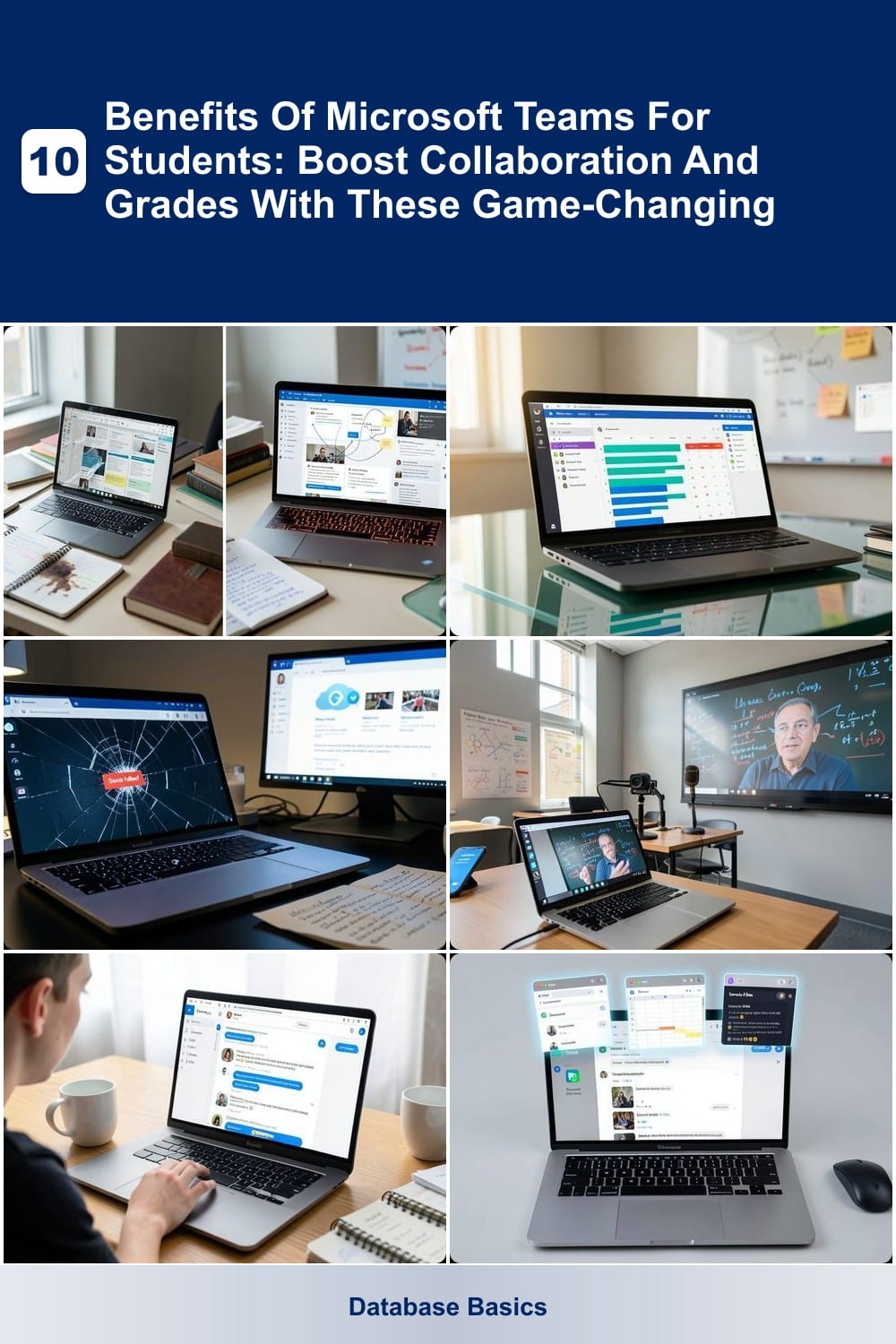
Struggling to keep up with group projects or stay organized during the school year? Microsoft Teams transforms student collaboration into a seamless, efficient experience—here are 10 game-changing benefits that can boost productivity and grades.
Real-time classroom collaboration with class notebook
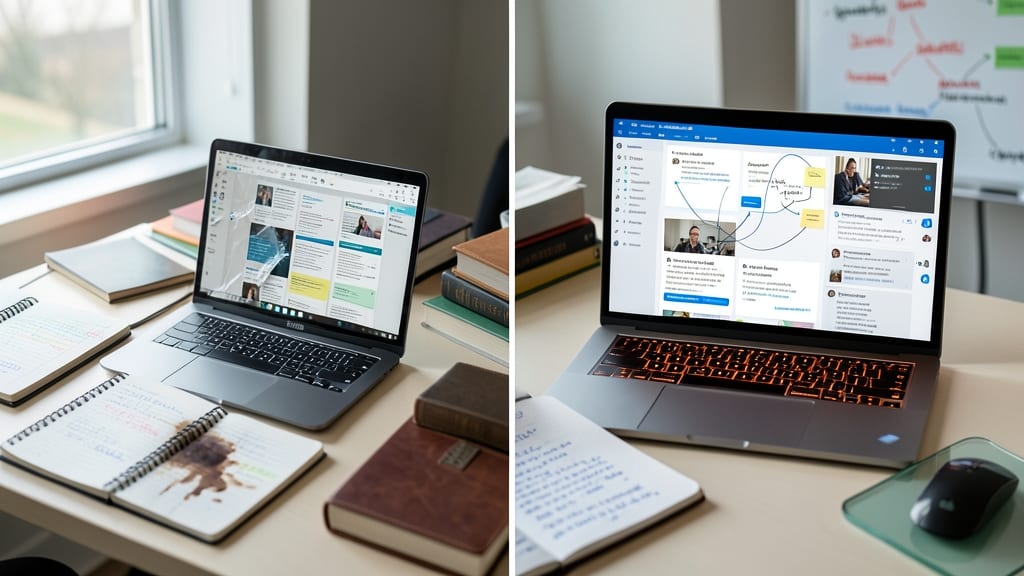
Tired of scrambling to keep up with lectures or losing track of class notes between your laptop and notebook? Microsoft Teams’ Class Notebook turns passive listening into active collaboration by integrating OneNote directly into your virtual classroom. This isn’t just another note-taking tool—it’s a shared workspace where teachers can distribute assignments, collect submissions, and provide real-time feedback, all in one place.
The magic happens with collaborative inking: use your digital pen to annotate shared notes, highlight key concepts, or sketch diagrams—changes sync instantly for every student in the class. Need to revisit yesterday’s lecture? The searchable archive lets you find notes by keyword, date, or even handwritten equations. Teachers can also lock sections to prevent accidental edits during exams, while still allowing open discussion in other areas. For hybrid learners, it bridges the gap between in-person and remote participation seamlessly.
This is the perfect tool for STEM students drafting equations, humanities majors annotating primary sources, or anyone juggling multiple classes. Whether you’re reviewing material before an exam or contributing to a group project, Class Notebook keeps everyone on the same page—literally. 💡
Seamless group project management tools
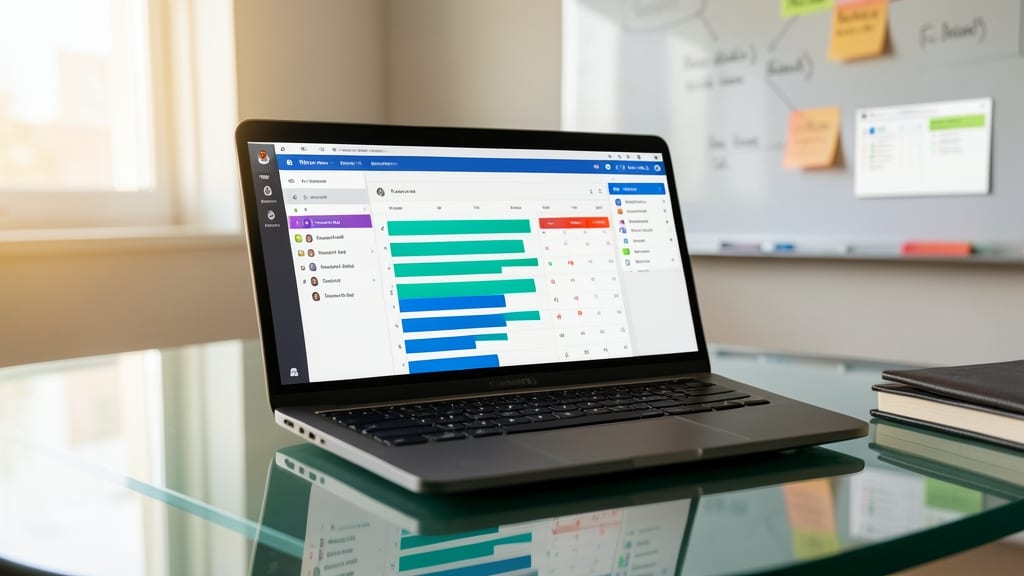
Group projects don’t have to turn into last-minute panic sessions. Microsoft Teams’ built-in planner and task management tools let you assign roles, set deadlines, and track progress—all in one place. Create custom tasks with due dates, assign them to teammates, and watch progress bars fill in real time, so everyone stays accountable without nagging group chats.
The Planner integration turns vague "we’ll do it later" into structured checklists, while @mentions ensure no one misses their part. Need to adjust timelines? Drag-and-drop deadlines to reschedule instantly. For visual learners, the Kanban-style board makes workflows intuitive—perfect for tracking research phases, drafts, or presentation prep.
This is the ultimate solution for engineering teams, writing groups, or design projects where deadlines are tight and coordination is key. No more "Who forgot to send their part?"—just smooth, organized teamwork. 💪
Secure file sharing and version control

Ever hit "save" on a final draft—only to realize your laptop crashed and lost hours of work? Microsoft Teams’ built-in version control acts like an automatic time machine, saving every edit to your files in the cloud.
With OneDrive integration, you get up to 1TB of storage (for students) and a full revision history—so you can restore previous versions of essays, presentations, or group projects with just a few clicks. Need to compare changes? The side-by-side diff tool highlights edits in real time, making group feedback sessions effortless. Plus, end-to-end encryption keeps your work secure whether you're sharing with classmates or submitting assignments online.
This is a game-changer for students submitting multiple drafts or collaborating on research papers—no more frantic "Did I save this?" moments. ⚡
Live video lectures and screen sharing
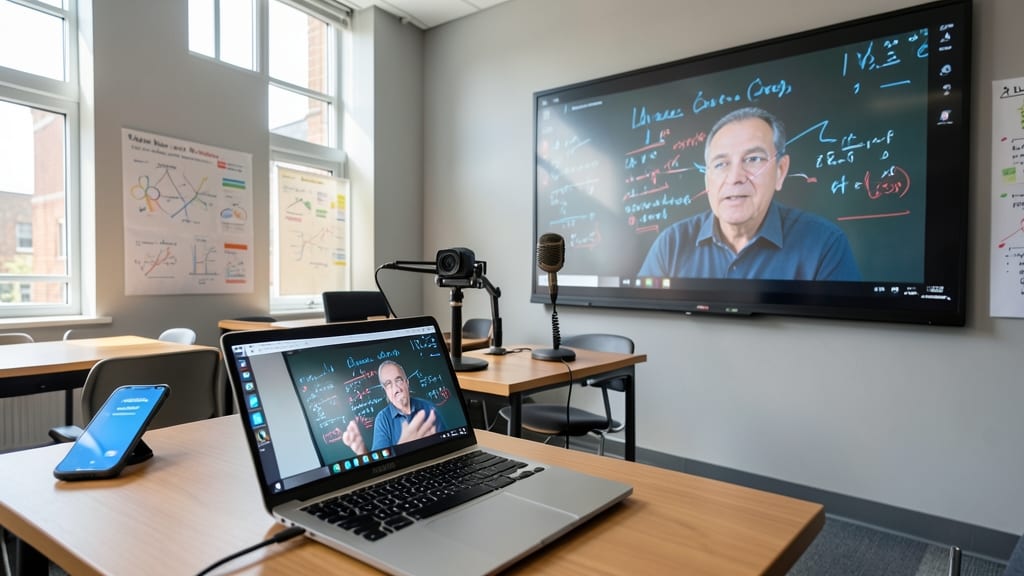
Missed a lecture or need to revisit a complex topic? Microsoft Teams’ live video lectures and screen-sharing tools turn your classroom into a 24/7 study hub. Professors can broadcast lessons in 4K resolution, while students join with a single click—no extra logins or downloads required.
The real game-changer? Built-in recording capabilities that save sessions automatically to the cloud. Need to pause a lecture to jot notes or rewind a tricky explanation? Just hit play later—no more frantic note-taking during class. The platform also supports virtual backgrounds and reaction emojis, keeping engagement high even in remote settings.
Perfect for night owls, commuters, or international students who can’t attend live sessions. Whether you’re reviewing calculus formulas or rewatching a lab demo, Teams makes learning flexible—no excuses. ✨
Instant communication with teachers and peers

Tired of digging through endless email chains just to ask a quick question? Microsoft Teams’ built-in messaging and chat features turn communication into a breeze—no more waiting for replies buried in your inbox.
With dedicated channels for classes or study groups, you can send instant messages to teachers or peers, share links, and even start voice or video calls—all without leaving the app. The @mentions feature ensures your professor sees your question right away, while persistent chat history keeps important discussions searchable. Plus, end-to-end encryption keeps your conversations secure.
Perfect for students juggling multiple courses, this tool keeps discussions organized and responses fast—ideal for last-minute study group coordination or clarifying assignment details. ✨
Integration with Office 365 for productivity
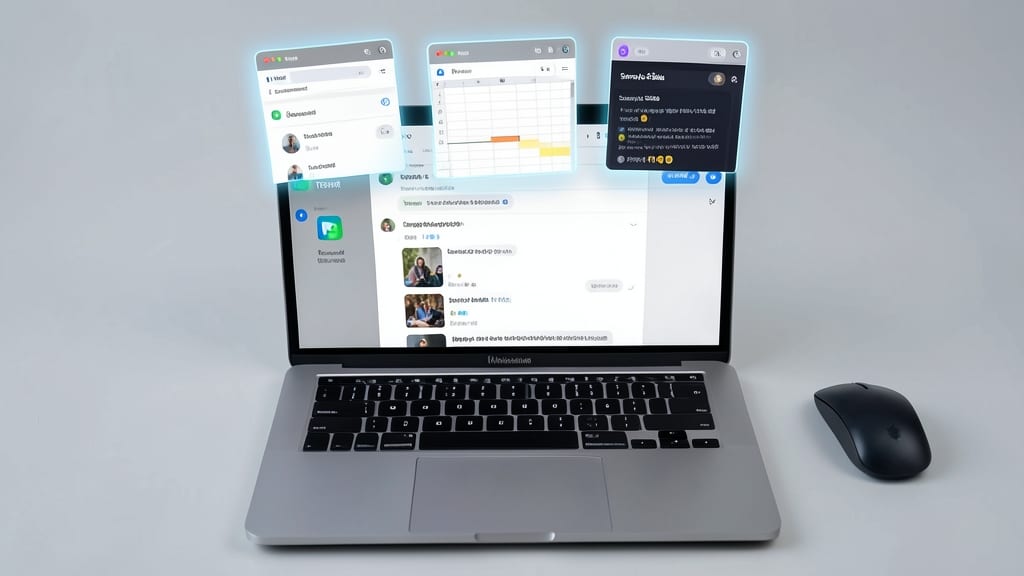
Tired of bouncing between Word, Excel, and Teams tabs while working on assignments? The deep integration with Office 365 inside Teams lets you open, edit, and save Word docs, Excel spreadsheets, and PowerPoint presentations directly within chats or channels—no downloads or extra clicks required.
With real-time co-authoring, multiple students can edit the same file simultaneously, making group projects smoother than ever. Need to crunch numbers for a presentation? Pull up an Excel spreadsheet in the same window where you’re chatting with your team. The auto-save feature ensures your work is always backed up, and version history tracks changes so you can revert to earlier drafts if needed.
This is especially useful for business, finance, or design students collaborating on reports, budgets, or creative projects. No more lost files or version confusion—just pure productivity. ✨
Customizable study groups and channels
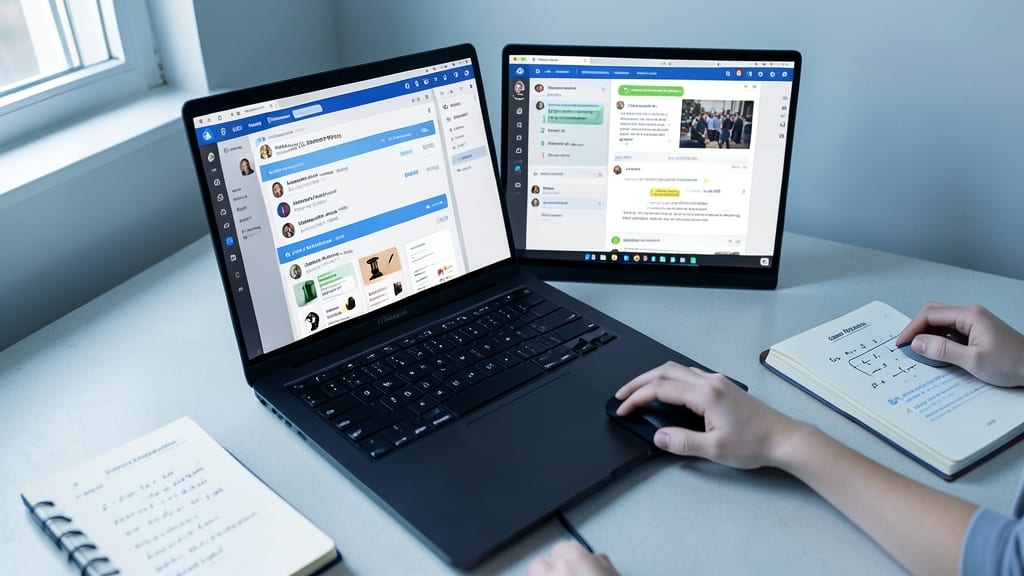
Tired of juggling endless group chats or losing track of niche study topics in crowded apps? Microsoft Teams lets you create private channels tailored to specific subjects, projects, or clubs—like a digital filing system for your academic life.
Each channel acts as a dedicated hub with its own files, tabs, and conversations. For example, your Advanced Calculus group stays separate from the Debate Club, and your Group Project: History Paper channel keeps all research and drafts organized. You can even add custom tabs for shared calendars, OneNote pages, or external tools like Trello—no more scattered tabs or lost messages.
This is a game-changer for students in extracurriculars, research groups, or collaborative courses where general chats get messy. Keep your focus sharp and your study space clutter-free! ✨
Automated assignment reminders and deadlines
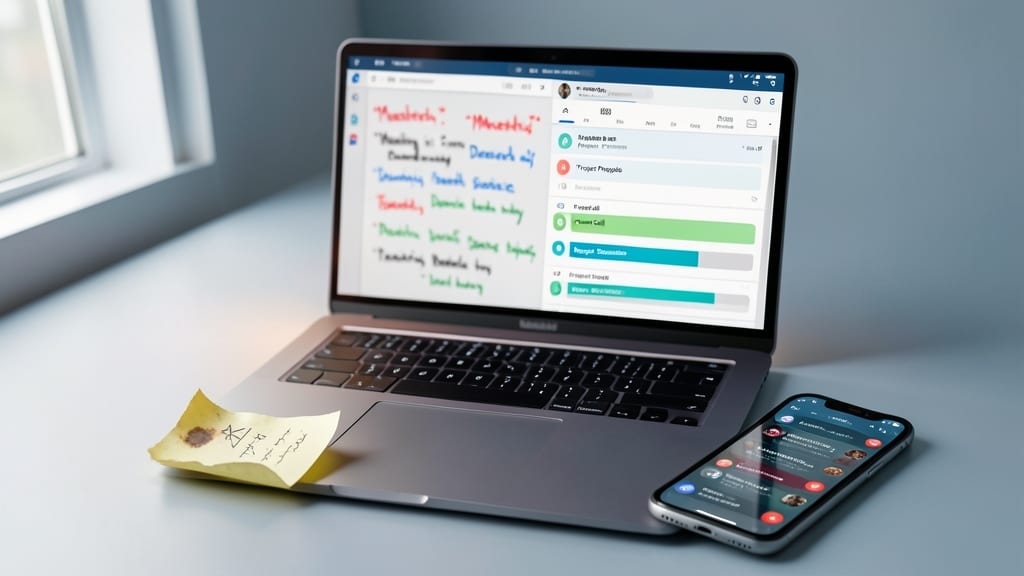
Forget scribbling deadlines on sticky notes or juggling a dozen phone alarms—Microsoft Teams automatically syncs assignments with your calendar, so every deadline appears right where you track your schedule. The Planner integration turns due dates into actionable tasks, complete with progress bars and reminders that adapt to your workflow.
You can set custom notifications (daily, weekly, or even 24-hour alerts) and color-code assignments by priority, ensuring no paper gets lost in the shuffle. The Outlook calendar sync means your school’s deadlines appear alongside personal commitments, so you’re never caught off guard by a late submission. Plus, teachers can push updates instantly—no more "Did we change the deadline?" group chats.
This is a lifesaver for honors students, athletes, or anyone balancing multiple roles—whether you’re prepping for finals while training for track or managing a part-time job. ⚡
Accessibility features for all learners
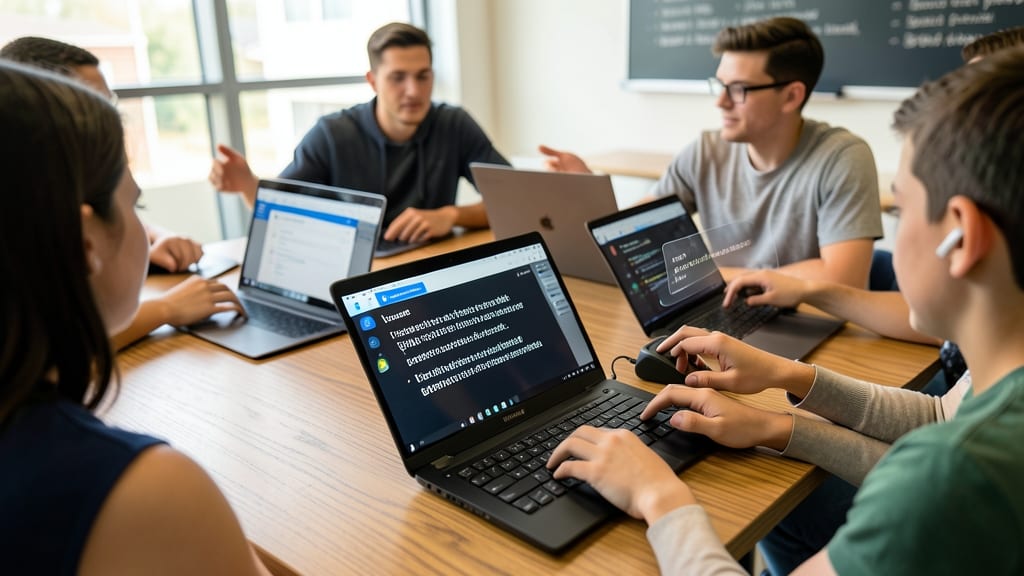
Every student deserves tools that adapt to their learning style—not just fit into a one-size-fits-all approach. Microsoft Teams removes barriers with built-in accessibility features designed to support diverse needs, from live captions to screen reader compatibility.
Enable real-time captions during lectures or meetings to help students with hearing impairments follow along effortlessly. The Windows Narrator integration reads aloud messages, files, and even app notifications, while keyboard shortcuts let users navigate Teams hands-free. High-contrast modes and adjustable text sizes further ensure clarity for those with visual impairments.
These features aren’t just helpful—they’re essential for creating an inclusive classroom where every student can participate fully. Whether you’re a teacher or a peer, these tools ensure no one gets left behind. ✨
Free for students with Microsoft Education

If your student budget is tighter than your exam schedule, Microsoft Teams’ Education program could be your secret weapon. Through Microsoft Education, eligible students unlock the full premium version of Teams—including advanced features like custom backgrounds, larger file storage, and priority support—completely free. No ads, no paywalls, just the tools you need to succeed.
The program extends beyond Teams, too: students get free access to Office 365, including Word, Excel, and PowerPoint, plus 1TB of OneDrive cloud storage—enough to store years of assignments without stress. The best part? You don’t need to hunt for promo codes or navigate confusing pricing tiers; simply verify your student email address to instantly qualify. Whether you’re crunching data for a thesis or collaborating on a group project, this deal ensures you’re equipped with enterprise-grade tools without the cost.
This benefit is a game-changer for international students, those on tight budgets, or anyone juggling multiple academic projects. No more worrying about app limits or hidden fees—just focus on acing your classes. ✨